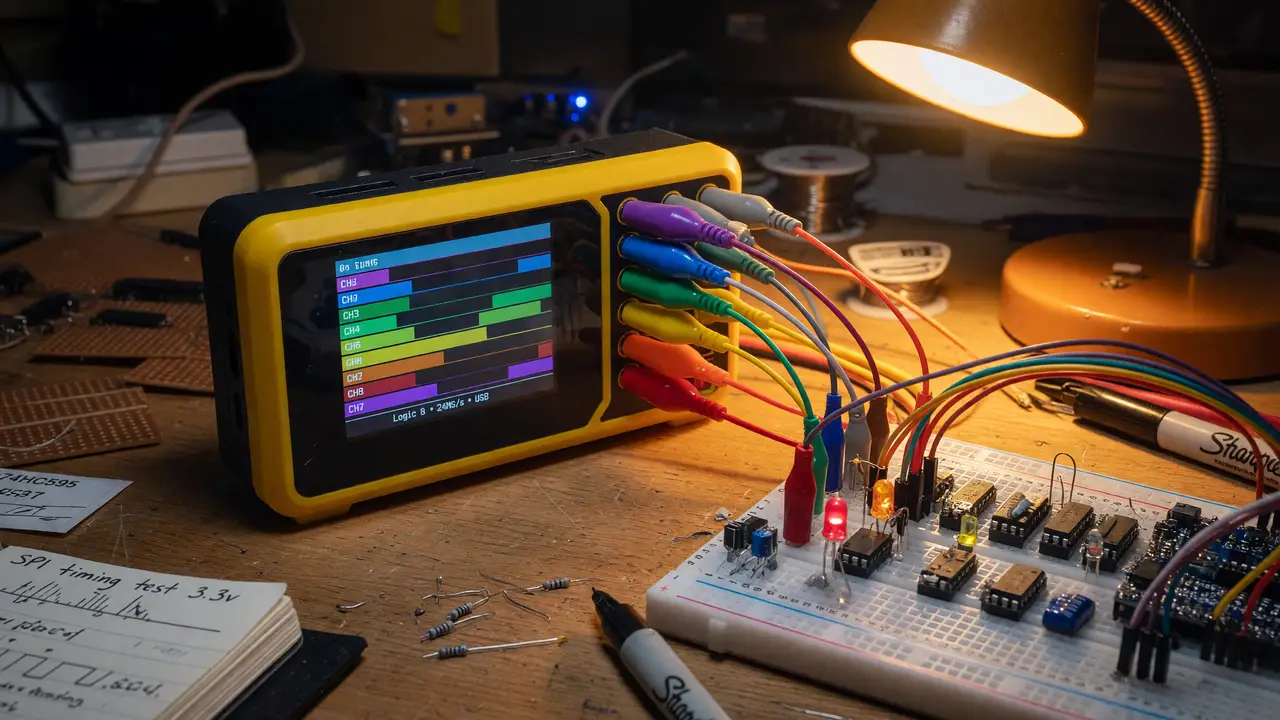
The Best Logic Analyzers for Debugging Digital Signals on a Hobby Budget
Compare the best budget logic analyzers under $150 for Arduino, ESP32 and STM32 debugging, including DSLogic Plus, Kingst LA2016 and open-source PulseView workflows.
Debugging digital protocols on Arduino, ESP32, or STM32 projects often stalls when signals misbehave. A capable logic analyzer removes the guesswork. Plenty of solid options sit under $150 when paired with open-source software.
Budget Contenders at a Glance
Four models keep coming up in EEVblog threads, r/embedded discussions, and recent hobbyist testing. The table below summarizes the specs that actually matter for everyday work.
| Model | Channels | Max Sample Rate | Memory / Depth | Current Price | Recommended Software |
|---|---|---|---|---|---|
| HiLetgo 24 MHz clone | 8 | 24 MHz | Host-limited | $10–15 | PulseView |
| InnoMaker LA1010 | 16 | 100 MHz (≤3 ch) | 256 Mbit | ~$60 | PulseView |
| DSLogic Plus | 16 | 400 MHz (4 ch) / 100 MHz (16 ch) | 256 Mbit + RLE | $99–149 | DSView / PulseView |
| Kingst LA2016 | 16 | 200 MHz | 1 G samples | $100–130 | PulseView |
Prices come from recent Amazon and manufacturer listings. Every device here trades sample rate for channel count as you push harder.
Entry-Level Performance: When 24 MHz Is Enough
The generic 24 MHz, 8-channel clones stay popular on Reddit for basic I²C and UART work. Most Arduino and ESP32 buses run well below 8 MHz, so the 24 MHz limit rarely causes trouble. Users report clean captures of 400 kHz I²C and 1 MHz SPI as long as the host PC keeps up.
Faster buses or higher channel counts expose the limits quickly. These units have no hardware buffer, so USB hiccups can create gaps. For anyone just starting out and watching a few lines at a time, they offer a cheap way to learn the ropes.
Strong Daily Driver: InnoMaker LA1010
The LA1010 shows up often because it balances price and PulseView compatibility well. At 100 MHz on three channels it handles most hobby SPI and I²S traffic without aliasing. Sixteen channels give you room to watch address, data, and control lines together.
Reviewers like the input protection and the 0.1 V threshold steps. It works best with sigrok rather than any bundled Windows software. A typical session looks like this:
- Plug it in via USB
- Open PulseView
- Pick the LA1010 driver
- Set your sample rate and trigger
That setup punches above its price in recent tests.
Higher Channel Counts and Deeper Buffers
Projects with 16-bit buses or longer captures push you toward the DSLogic Plus or Kingst LA2016. Both carry onboard memory, which stops USB dropouts during multi-millisecond recordings.
- DSLogic Plus gives adjustable thresholds and solid RLE compression in stream mode.
- Kingst LA2016 delivers 1 G sample depth and built-in CAN support on top of the usual I²C, SPI, and UART decoders.
Most experienced users skip the bundled Windows tools and feed the data straight into PulseView or the manufacturer’s open-source viewer for better decoders.
Newer Options and Decision Factors
Newer devices such as the Sipeed SLogic16U3 and ESP32JTAG add more choices. The SLogic16U3 brings USB 3.0 and 200 MHz across 16 channels at an early price near $59. The ESP32JTAG adds wireless JTAG on top of logic capture. Both are still early in community testing compared with the established units above.
Picking the right analyzer boils down to three questions:
- How many signals do you need to watch at once?
- What is the fastest bus speed in your design?
- Do you need hardware buffering for captures longer than a few milliseconds?
A quick decision flow looks like this:
flowchart TD
    A[Start] --> B{>8 channels needed?}
    B -->|No| C[24 MHz clone sufficient]
    B -->|Yes| D{Fastest bus >24 MHz?}
    D -->|No| E[LA1010]
    D -->|Yes| F[DSLogic Plus or LA2016]
Practical Takeaways
Install PulseView and sigrok first. They turn nearly every device on this list into a capable protocol analyzer. Check that your chosen model handles the voltage levels on your board—most hobby projects stay at 3.3 V or 5 V. Test streaming performance on your own PC before trying long captures. Keep one cheap 24 MHz unit around for quick checks even after you move to something faster.
These four options show that reliable digital debugging does not require flagship prices. Match channel count and sample rate to the buses you actually use, lean on open-source software, and your budget stays reasonable while the capability stays high.