
3D Printed Car Parts: Which Materials Can Withstand Summer Car Interior Heat?
Learn which 3D printing filaments survive extreme car cabin heat (up to 82°C). Full comparison of PLA, PETG, ABS and ASA with temperature data and recommendations.
Car interiors get brutally hot on sunny days. Leave a car outside when it’s 25 °C and the cabin can climb to 117–154 °F (47–68 °C) inside an hour. Dashboards and phone mounts often run hotter still, past 157–180 °F (69–82 °C) . Most everyday filaments simply can’t take that kind of sustained heat, which is why material choice decides whether a printed part survives or sags. Measured Cabin Temperatures vs. Filament Limits Real world automotive studies show the same numbers repeatedly. Dashboard surfaces regularly...
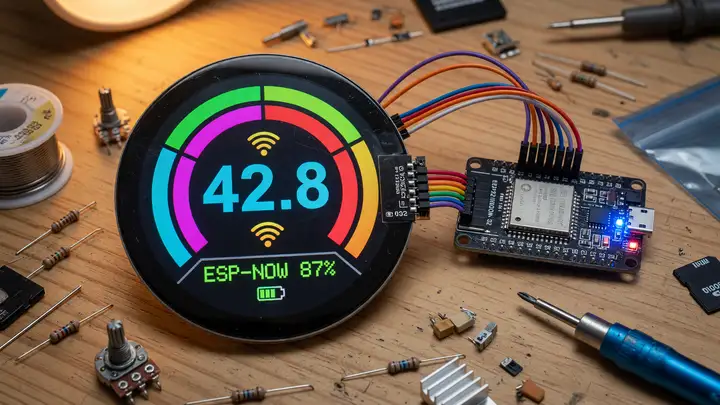
A Complete Guide to Round TFT Displays (480x480) with ESP32
Explore 480x480 round IPS displays with ST7701S for ESP32 projects. Covers sourcing, wiring, Arduino_GFX setup, LVGL integration, and practical tips.
High resolution circular displays used to mean small SPI panels like the GC9A01. Now 480×480 round IPS modules open up real possibilities for ESP32 projects that need more screen space—dashboards, gauges, or denser UIs. These panels pack four times the pixels of a typical 1.28 inch round while staying compact for embedded work. Most use the ST7701S controller and an RGB parallel interface, which matches the ESP32 S3’s built in LCD peripheral well. Commercially Available 480×480 Round Panels Three sizes show up...
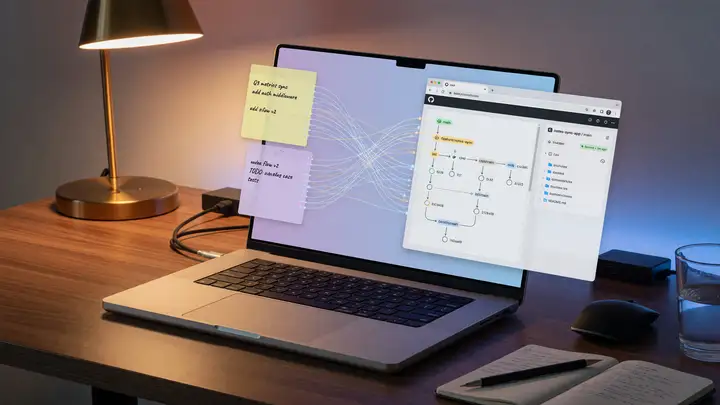
Automating Your Blog: Syncing Obsidian Notes Directly to Git and the Web
Learn how to automate publishing by syncing Obsidian notes to Git and GitHub Pages. Free alternative to paid sync with version history and background deploys.
Writers who treat Obsidian as their primary workspace often hit the same wall: manual exports and uploads break flow. Git integration removes that step by turning every save into a deploy trigger. Why Git Beats Paid Sync for Public Content Obsidian Sync is convenient, but it costs $8 a month for 1 GB of versioned storage. Git gives you permanent history, 15 GB free on GitHub, and no recurring fees. Plenty of developers and desktop heavy users have switched entirely once they set up the commit and push cycle....
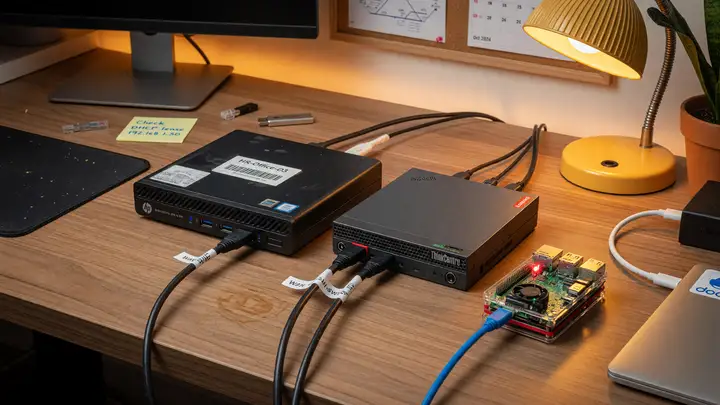
Beyond Raspberry Pi: Why Used Mini PCs (HP/Lenovo) Make Better Budget Home Servers
Compare used HP and Lenovo mini PCs vs Raspberry Pi 5 for budget home servers. Real-world power draw, RAM, storage, and x86 advantages for homelab use.
Raspberry Pi boards have dominated budget home server talk for years. Lately, though, a lot of builders are realizing that used corporate mini PCs often give you more for the same money—or less. Used Market Pricing Reality A configured HP EliteDesk 800 G4 or G5 Mini with an 8th or 9th gen i5, 16 GB of DDR4, and a 256 GB SSD typically goes for $100–$200 on eBay. Clean G4 units often land between $110 and $150 . Lenovo ThinkCentre M920q and M90q models sit in the same range. The Raspberry Pi 5 8 GB launched at $80...
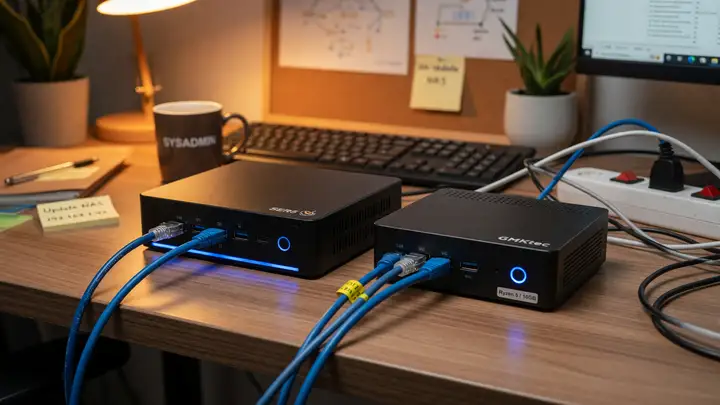
Beyond Raspberry Pi: Why Used Mini PCs (HP/Lenovo) Make Better Budget Home Servers
Used HP and Lenovo mini PCs often beat the Raspberry Pi 5 for budget home servers thanks to better performance, Quick Sync transcoding, and expansion options at similar total cost.
Raspberry Pi boards still get most of the attention in hobbyist circles, but plenty of builders switch to used corporate mini PCs once their workloads move past simple GPIO projects. The difference shows up fast in sustained performance, hardware acceleration, and real ownership costs once RAM, storage, and transcoding enter the mix. Used Market Pricing Snapshot Current listings make 16 GB configurations with SSDs already installed look like the sweet spot. | Model | Typical Price (16 GB + SSD) | CPU Options |...
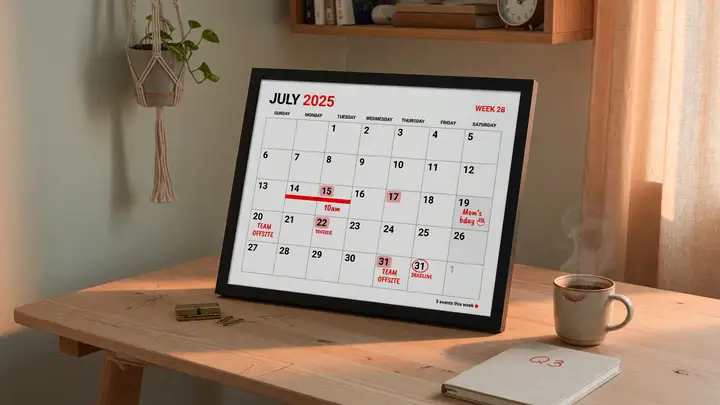
Building a Custom E-Paper Desk Calendar with 3-Color Waveshare Displays
Build a low-power e-paper desk calendar with Waveshare 3-color displays. Covers panel options, ESP32/Pi integration, software setup, power use, and enclosures.
Building a Custom E Paper Desk Calendar Using 3 Color Waveshare Displays E paper calendars give you paper like readability without backlight glare. Most commercial units stay monochrome and static, though. Waveshare’s three color panels add red for visual hierarchy while keeping power draw near zero between updates. Panel Options and Current Pricing Waveshare’s B series black/white/red modules dominate most desk calendar builds. Mid 2024 pricing from the official store breaks down like this: | Size | Resolution |...
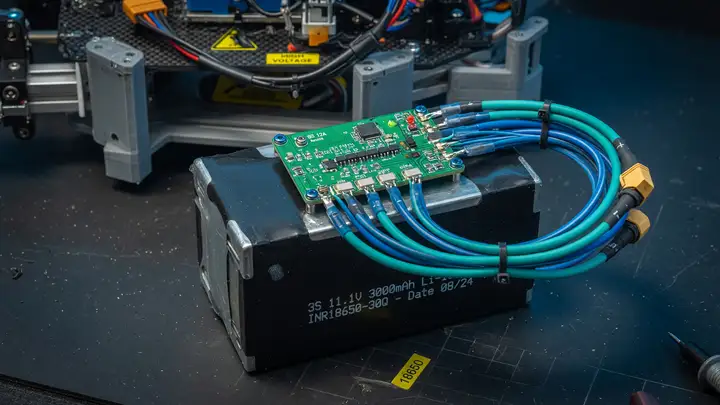
Demystifying BMS: How to Safely Wire a 3S Li-ion Battery Pack for Your Robots
Learn how to safely select, wire, and protect a 3S Li-ion pack with BMS for robotics. Covers voltages, module choices, pinouts, thresholds, and failure prevention.
Li ion packs give robots strong performance without extra weight, but one bad connection or weak protection circuit can kill cells or shut everything down mid run. A Battery Management System (BMS) avoids those problems when you pick the right module and wire it properly. Voltage Specifications Every Builder Must Know A 3S pack stacks three 18650 cells in series. You get 11.1 V nominal, 12.6 V at full charge, and a safe discharge floor between 8.4 V and 9.0 V (2.8–3.0 V per cell). Anything below 2.5 V per cell...
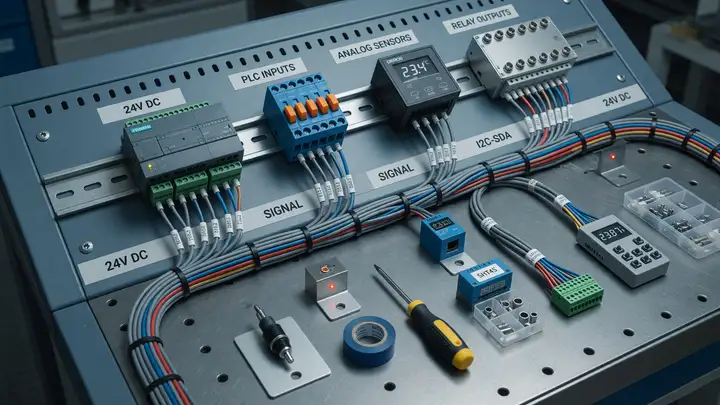
Designing DIN-Rail Mounts: How to Organize Your Prototyping Bench Like an Industrial Panel
Organize your prototyping bench using industrial DIN-rail mounts. Guide covers TS35 specs, Raspberry Pi/Arduino adapters, 3D prints, and terminal blocks for tidy setups.
Prototyping benches often turn into a mess of tangled wires and scattered boards. DIN rail systems borrowed from industrial control panels bring order without sacrificing flexibility. TS35 rails and compatible mounts let you treat your workspace like a miniature electrical cabinet. Components snap into place, rearrange quickly, and scale from a single Raspberry Pi to a full sensor array. TS35 Rail Specifications and Load Ratings EN/IEC 60715 defines the 35 mm top hat profile used everywhere from factory floors to...
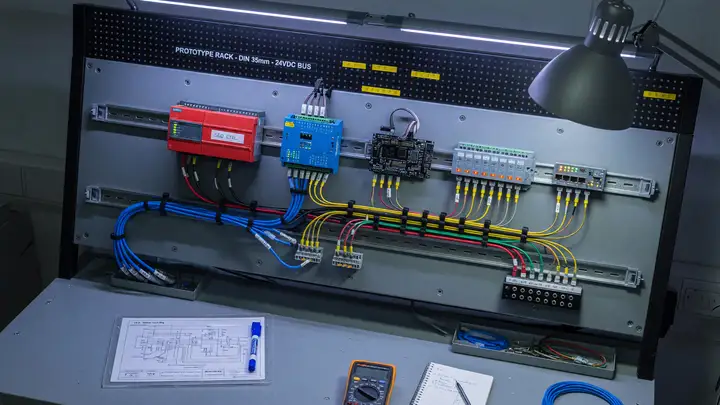
Designing DIN-Rail Mounts: How to Organize Your Prototyping Bench Like an Industrial Panel
Learn how to use standard DIN rails to organize your prototyping bench like an industrial panel, including profiles, sourcing, enclosures, 3D-printed clips, and a practical workflow.
Messy breadboards and loose modules slow you down with every iteration. Industrial control panels avoid this mess with one standard mechanical interface: the DIN rail. The same approach works on a single bench without a factory budget. DIN Rail Standards and Profiles The IEC 60715 specification covers the symmetrical top hat profile found in more than 90 % of installations. Four common variants exist. TS35 × 7.5 is the default for most prototyping work. It measures 35 mm wide by 7.5 mm high with 1.0 mm steel...
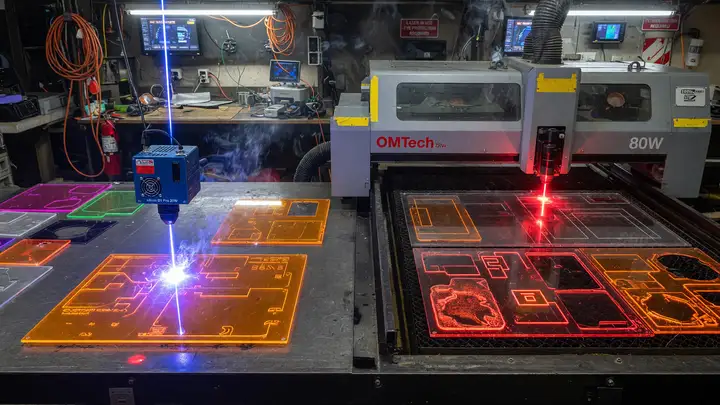
Diode vs CO₂ Lasers: Which Engraver/Cutter Should You Buy for Custom Acrylic Cases?
Compare diode and CO₂ lasers for cutting acrylic. Find out which machine delivers clean results for custom cases and when each type makes sense.
Choosing between diode and CO₂ lasers for cutting custom acrylic cases depends on how each wavelength interacts with the material. Diode machines fit most hobby budgets, yet they struggle with clear acrylic—the very material many builders prefer. Wavelengths and Acrylic Absorption Wavelength determines whether the beam gets absorbed or passes through. Diode lasers operate around 445–450 nm. Clear PMMA transmits nearly all of that blue light, with absorption below 5%. Only dark or opaque sheets absorb enough energy...
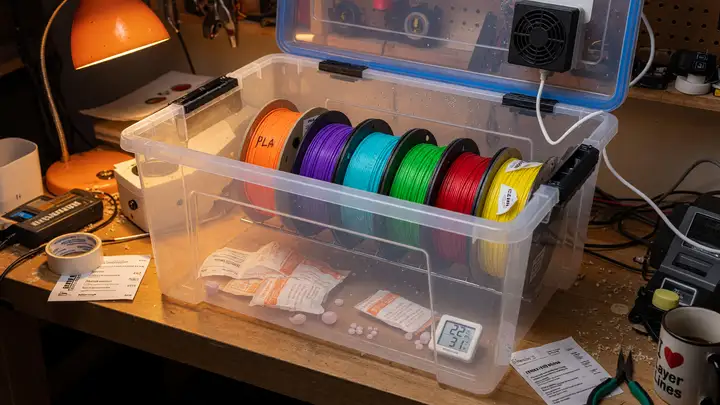
DIY Filament Dryer: Do You Really Need a Dedicated Machine?
Compare commercial filament dryers vs. a DIY food dehydrator for 3D printing. Real performance data, costs, and when each option makes sense for PLA, PETG, nylon and more.
Filament moisture causes plenty of failed prints. Plenty of makers still wonder whether a dedicated dryer is worth the money when a basic $35 food dehydrator often removes moisture faster. Commercial Dryers: Specs and Pricing Three models come up most often. Their real world performance differs once you measure actual spool temperatures and airflow. | Model | Price | Max Temp | Capacity | Power | Humidity Display | Print While Drying | | | | | | | | | | Sunlu FilaDryer S2 | $69.99 | 70 °C | 1 spool | 48 W | Yes |...
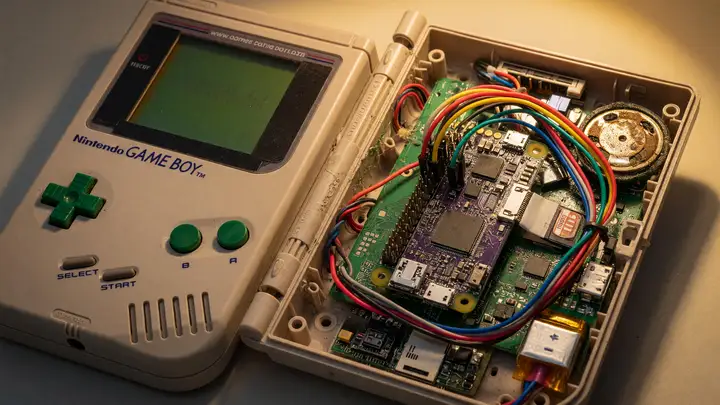
Game Boy Zero: Building a Raspberry Pi Handheld Inside an Original Console Shell
Learn how to build a Game Boy Zero emulation handheld with Raspberry Pi Zero 2 W inside an original DMG-01 shell. Covers displays, power, wiring, and assembly workflow.
The original Game Boy shell measures just 148 × 90 × 32 mm, yet builders have turned it into a capable emulation handheld using a Raspberry Pi Zero. Fitting modern components into that cramped space while keeping the original button layout and feel intact takes careful planning. The Project’s Origins and Evolution Wermy posted the first Game Boy Zero videos back in late 2015, right after the Raspberry Pi Zero launched. Those early builds showed you could fit a complete handheld inside a stock DMG 01 shell with...
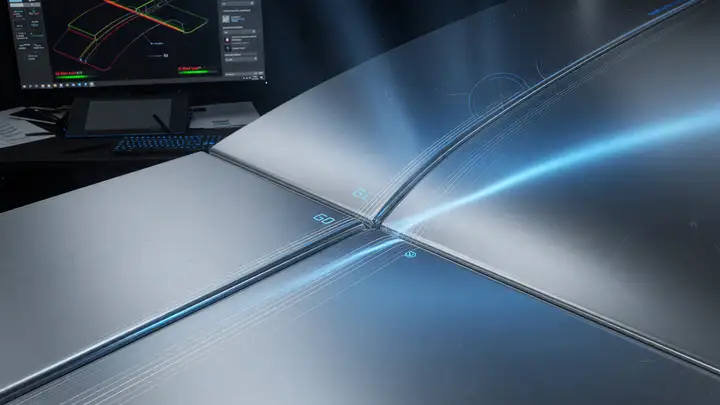
Guide: Understanding G0, G1, and G2 Surface Continuity in CAD Design
Explore G0, G1, and G2 surface continuity in CAD: definitions, tool support from CATIA and Rhino, Class-A tolerances, aerodynamic benefits, and practical modeling guidelines.
Surface continuity decides whether a car body catches light in smooth ribbons or shows obvious seams at every panel edge. In professional CAD work, the difference between G0, G1, and G2 isn’t cosmetic. It directly shapes aerodynamics, tooling cost, and how high quality the finished product feels. What G0, G1, and G2 Continuity Actually Mean Surface continuity describes how two adjacent patches meet along their shared edge. G0 (positional) : The surfaces touch, but their direction can change abruptly. G1 (tangent)...
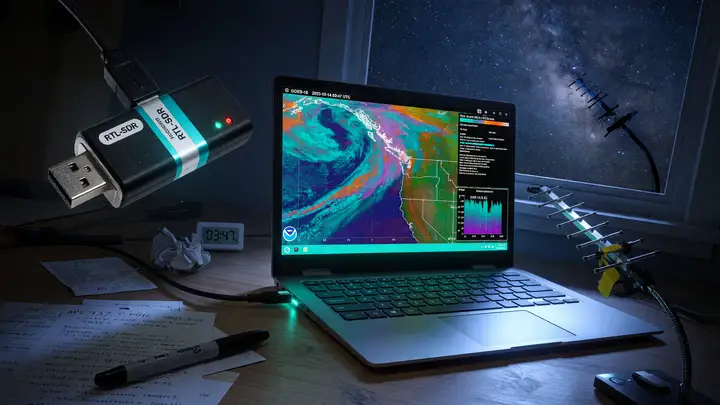
Hack the Airwaves: Getting Started with RTL-SDR for Tracking Weather Satellites
Learn how to receive live NOAA weather satellite images with a $30 RTL-SDR dongle. Setup guide using SatDump for APT signals in the 137 MHz band.
Pull live weather imagery from satellites passing overhead with a $30 USB stick. The RTL SDR Blog V4 turns an ordinary computer into a receiver for NOAA APT signals in the 137 MHz band. The RTL SDR V4: Your Entry Point The RTL SDR Blog V4 tunes from 500 kHz to 1.766 GHz. It includes an internal upconverter for HF work and switches to direct sampling above 28.8 MHz. The R828D tuner, 1 PPM TCXO, and software switchable bias tee (4.5 V / 180 mA) come standard. An aluminum case and thermal pad help keep the 8 bit ADC...
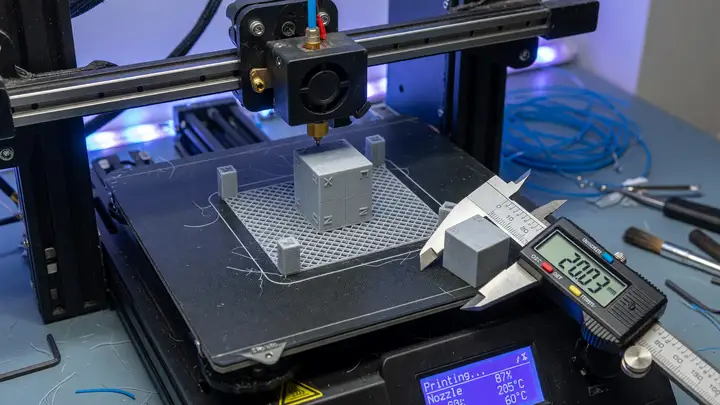
How to Calibrate Your 3D Printer for Perfect Dimensional Accuracy
Learn how to calibrate your Ender 3 for precise dimensional accuracy using a 20mm calibration cube, steps-per-mm adjustments, and shrinkage compensation.
Dimensional accuracy on an Ender 3 rarely happens by accident. Stock machines often ship with steps per mm values that leave a 20 mm cube measuring 19.6 mm instead. That tenth of a millimeter usually decides whether parts fit together or just sit close. The 20 mm XYZ Calibration Cube Print the standard 20 × 20 × 20 mm calibration cube with axis letters on each face. Use 0.2 mm layers, 20 % infill, and turn off cooling for the first two layers to reduce elephant’s foot. Measure each axis in three spots with digital...
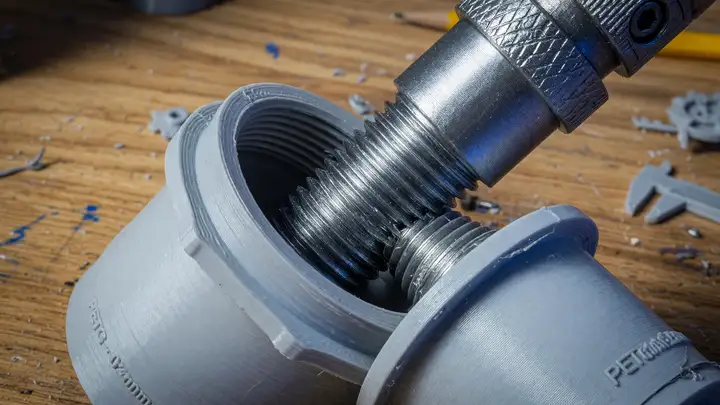
How to Design Threads and Mechanical Connections for 3D Printing
Master 3D printed threads with tips on CAD tools, printer settings, materials, clearance tolerances, and repeatable workflows for functional parts.
Threads are one of the quickest ways to ruin a functional 3D print. A tiny adjustment to clearance, layer height, or material can mean the difference between a part that screws together smoothly and one that seizes after two turns. Choosing the Right CAD Platform Two tools currently lead for parametric threads. Autodesk Fusion runs $85 a month or $680 a year on the commercial plan, though the free personal tier remains available. The March 2024 update added direct controls for pitch, profile angle, and tip...
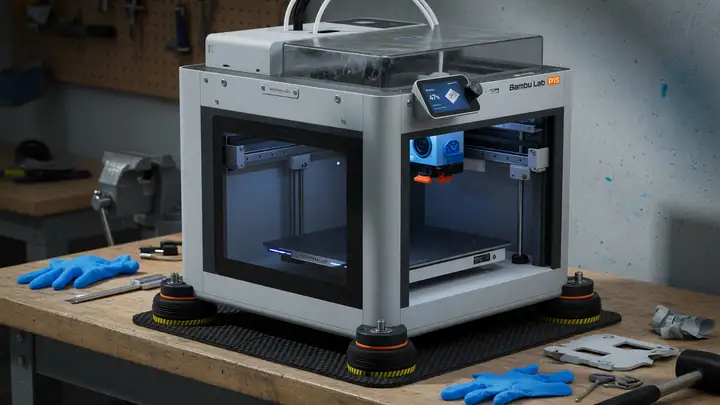
How to Fix Mechanical Noise and Vibrations on Your Bambu Lab P1S
Reduce mechanical hum, belt whine, and table vibrations on your Bambu Lab P1S with firmware calibration, belt tensioning, decoupling methods, lubrication, and print profile tweaks.
Your Bambu Lab P1S prints fast, but the mechanical hum, belt whine, and table shaking vibrations quickly become intolerable in any shared space. A few targeted fixes tackle both motor resonance and structural transmission without slowing the printer down or hurting reliability. Run the Motor Noise Cancellation Calibration Firmware version 01.05.00.00 added a dedicated Motor Noise Cancellation routine for the P1 series. It compensates for stepper motor harmonics during long straight moves and high speed segments....
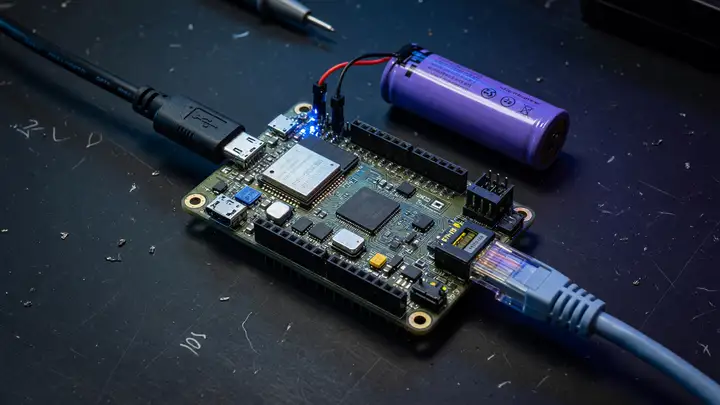
How to Power Your ESP32 Projects: Battery, USB, or PoE?
Choosing between USB, battery, or PoE for ESP32 projects? Covers power requirements, current draw, runtime estimates, and recommended boards for reliable operation.
Picking the right power source often decides whether an ESP32 project runs reliably or drops out the moment the radio kicks in. The chip needs 2.3–3.6 V and at least 500 mA of supply current, which immediately rules out a lot of quick and dirty setups. ESP32 Power Requirements at a Glance Espressif specifies a single 3.3 V rail that can deliver 500 mA. Peak draw hits 240 mA during Wi Fi transmission at full power, while a well optimized board can sit at just 5–10 µA in deep sleep. Most real dev boards land between...
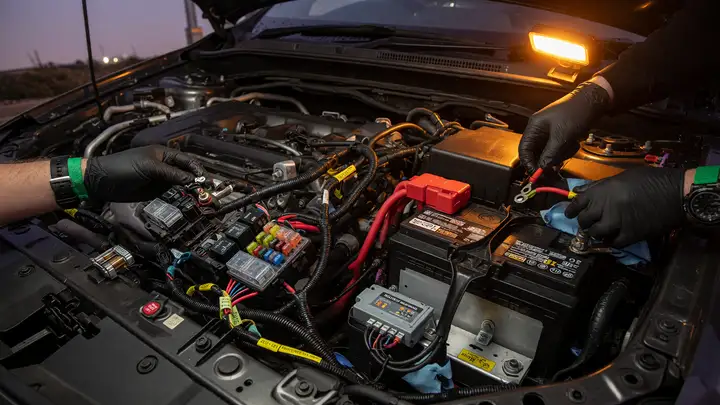
How to Safely Integrate Custom Electronics into a Car's 12V System
Learn proven methods for fusing, wire sizing, and power conditioning when integrating custom electronics into a vehicle's 12V system safely.
Car electrical systems leave almost no room for mistakes. One undersized wire or a fuse in the wrong spot can leave you stranded or, worse, start a fire. Follow proven rules for fusing, wire sizing, and power conditioning so your custom loads get clean power without issues. Fuse Placement and Sizing Rules Every positive feed needs protection right at the source. SAE J1284 and ISO 8820 both require the fuse to sit within 7 inches (18 cm) of the battery positive terminal or any distribution point. Negative returns...
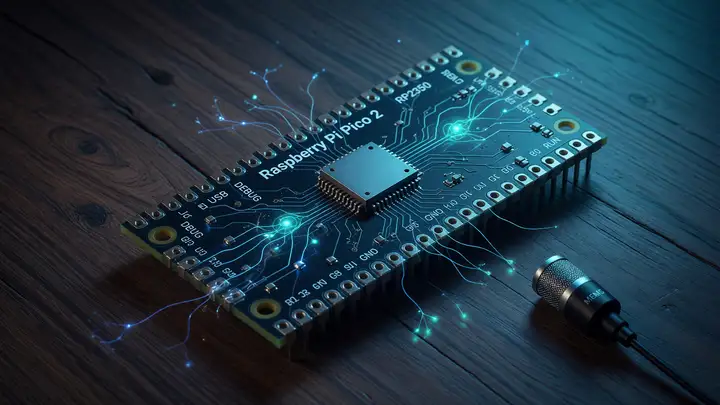
Introduction to TinyML: Running Keyword Spotting on a Raspberry Pi Pico 2
Explore running production-grade keyword spotting on the $5 Raspberry Pi Pico 2 using TinyML. Covers RP2350 specs, Edge Impulse workflows, board comparisons and deployment steps.
A $5 board with 520 KB SRAM can now run production grade keyword spotting models. The Raspberry Pi Pico 2 moves TinyML from lab experiments to something you can actually ship in voice interfaces. RP2350 Hardware That Changes the Cost Curve The RP2350 packs dual Cortex M33 cores running at 150 MHz, 520 KB SRAM, and 4 MB of onboard QSPI flash. It keeps the familiar Pico form factor but adds hardware security features the original RP2040 never had. Those specs comfortably fit quantized models. At launch the base Pico...
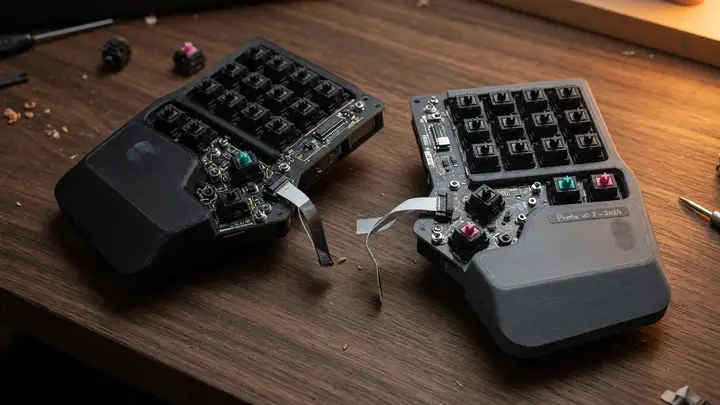
Mechanical Keyboard Prototyping: Designing a Custom Split Layout in Ergogen
Learn how to prototype custom split mechanical keyboards using Ergogen. This guide covers YAML configs, reversible PCBs, costs, and best practices for rapid iteration.
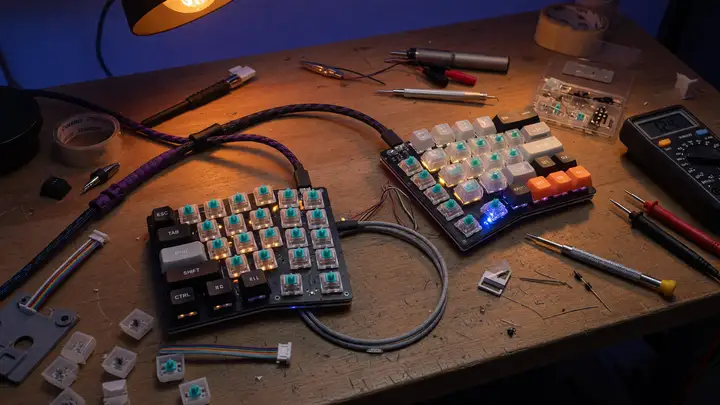
Custom split keyboards solve real ergonomic problems, but many builders still start from someone else’s layout. Ergogen turns a single YAML file into plates, cases, and unrouted PCBs. The practical question is whether the current version supports fast iteration without too much friction. Why Ergogen Works Well for Split Designs Ergogen converts declarative parameters into the mechanical parts of a keyboard. Column stagger, splay, thumb cluster position, and outline expansion all live in one source file. Adjust a...
Mechanical Keyboard Prototyping: Designing a Custom Split Layout in Ergogen
Learn how to prototype custom split mechanical keyboards using Ergogen. Turn a single YAML file into KiCad PCBs, cases, and outlines in minutes.
Custom split keyboards feel far more comfortable than most ready made options, yet many builders still spend days fiddling with layouts and PCB work. Ergogen speeds things up by turning one YAML file into outlines, cases, and unrouted KiCad boards. The process goes from config to fabrication files in minutes. Why Ergogen for Split Layouts Ergogen v4.0.0 supports reversible halves, column staggered matrices, and ZMK ready outputs directly from YAML. It spits out DXF/SVG outlines, JSCAD cases, and KiCad PCB...
Prototyping a Custom Smart Ring: The Challenges of Flexible PCBs and Tiny Batteries
Explore the engineering trade-offs of curved LiPo cells under 20 mAh and double-sided flex PCBs with sub-5 mm bend radii when prototyping a 2.5 mm thick smart ring.
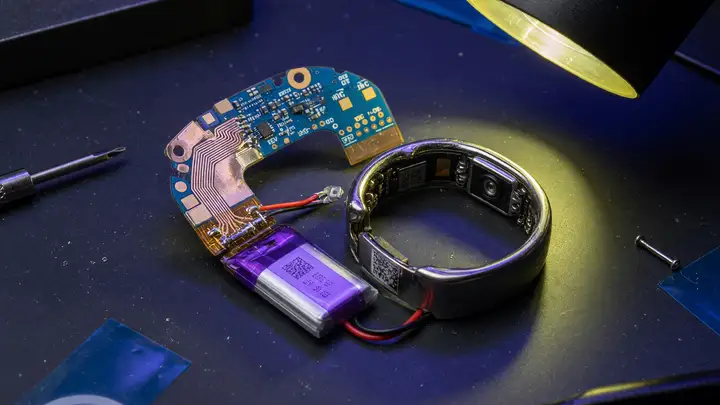
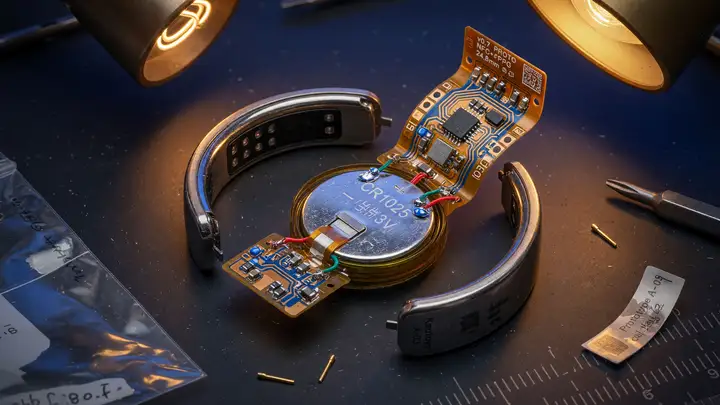
Packing a week of biometric sensing, wireless connectivity, and continuous operation into a 2.5 mm thick ring forces some tough choices. Two constraints stand out immediately: curved lithium polymer cells that rarely exceed 20 mAh, and double sided flex circuits that must handle repeated bends in the 5–8 mm range. Battery Capacity vs. Runtime Trade offs Commercial rings already sit right at the edge of what’s practical. Real world numbers show how far datasheet specs drift from daily use. | Ring Model | Capacity |...
Prototyping a Custom Smart Ring: The Challenges of Flexible PCBs and Tiny Batteries
Explore challenges of building custom smart rings with flexible PCBs and sub-25 mAh batteries. Compare Oura and Galaxy Ring specs plus practical prototyping tips and design rules.
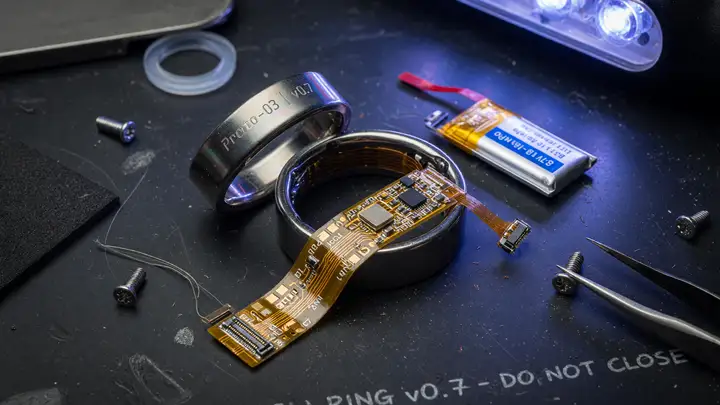
Smart rings promise continuous health tracking in a package smaller than most watches. Curved space imposes tight limits on batteries and circuitry. Commercial devices like the Oura Ring Gen3 and Samsung Galaxy Ring reach 6–7 days of runtime with cells no larger than 23 mAh. Matching that performance in a custom build quickly forces trade offs around power sources and flex boards. Battery Limits in a Finger Worn Package Both flagship rings use size specific curved or flexible cells to stay under 3 mm thick. The...
Prototyping a Custom Smart Ring: The Challenges of Flexible PCBs and Tiny Batteries
Explore the engineering challenges of DIY smart-ring prototypes, from micro-LiPo cells to IPC-compliant flex-PCB stackups and bend-radius limits.
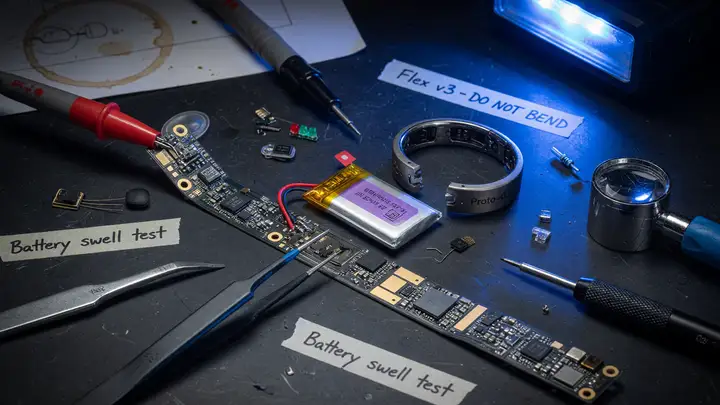
Smart rings promise continuous health tracking in a package smaller than a coin. Closing the gap between commercial products and a working DIY version is another story. Even four days of runtime inside a 2.5 mm band requires aggressive compromises on both battery capacity and board layout. Battery Capacity vs. Ring Geometry Commercial rings set a high bar. The Oura Ring Gen3 relies on curved LiPo cells that range from 15 mAh in the smallest sizes up to 22 mAh in the largest. The Ultrahuman Ring Air uses a single...
Prototyping a Custom Smart Ring: The Challenges of Flexible PCBs and Tiny Batteries
Explore the challenges of building custom smart ring prototypes, focusing on curved batteries, flexible PCBs, power budgets, and fabrication tips for makers.
Smart ring prototypes tend to fail for a simple reason: a 15–25 mAh cell has to live inside a curved 2.5 mm housing, and the two don’t play well together. Makers chasing multi day runtime run into the same pair of problems every time—finding a flexible cell that can handle repeated insertion and removal, and routing a flex circuit whose bend radius won’t crack traces after a few weeks on a finger. Battery Capacity Limits in Sub 30 mm Rings Commercial rings give you the baseline. The Oura Ring Gen3 uses size...
React with Styled Components: Best Practices for Type-Safe Interfaces
Master type-safe styled-components in React with TypeScript patterns, theme augmentation, and native v6 support to eliminate late type errors.
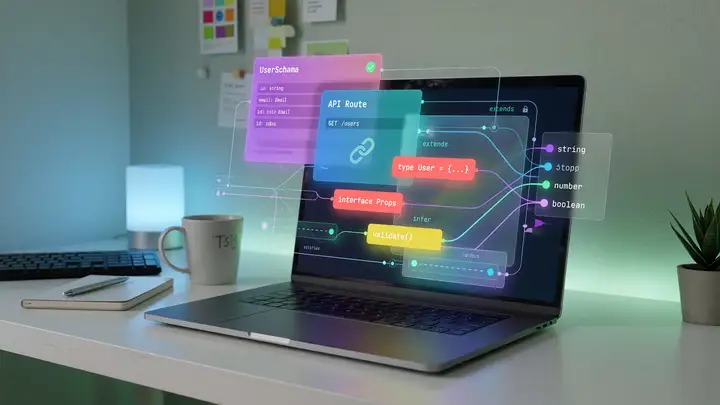
Type errors in styled components usually surface late, after themes and variants have already spread across the codebase. A handful of TypeScript patterns can catch the issues before they spread. Current Stable Version & Native TypeScript Support styled components 6.1.19 (released June 12, 2025) ships with its own TypeScript definitions. The separate @types/styled components package is no longer required. Install the current versions with: The library now exports CSSProperties, CSSObject, CSSPseudos, and...
Reverse Engineering with 3D Scanning: From Physical Car Part to CAD Model
Learn how to reverse engineer obsolete car parts using portable 3D scanners like Creaform, Shining 3D, and Artec, plus mesh-to-CAD workflows in Geomagic Design X.
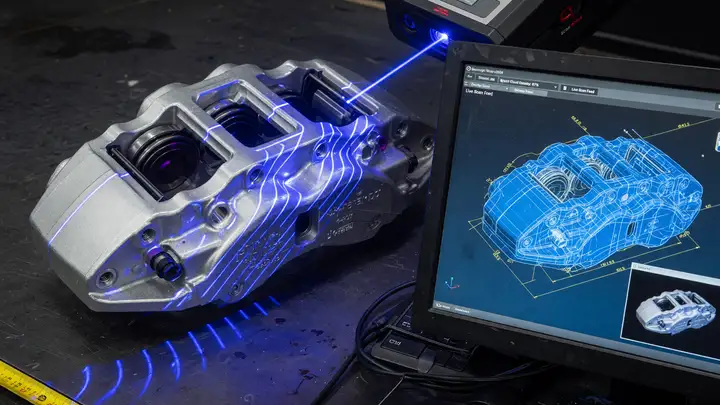
Re creating an obsolete automotive component usually starts with one battered physical part and no drawings. The real challenge is capturing its geometry at usable accuracy without weeks of manual measurements or thousands spent on CMM time. Scanner Options for Automotive Reverse Engineering Three portable systems show up most often in recent automotive work. Their specs differ in accuracy, how they handle surfaces, and cost. | Scanner | Accuracy | Volumetric Accuracy | Speed | Price (2024) | Best For | | | | | |...
Understanding RS485 and Modbus: Bridging Industrial Sensors to Your Home Assistant
Learn how to integrate reliable RS485 and Modbus industrial sensors with Home Assistant using USB adapters or Ethernet gateways. Practical setup guide included.
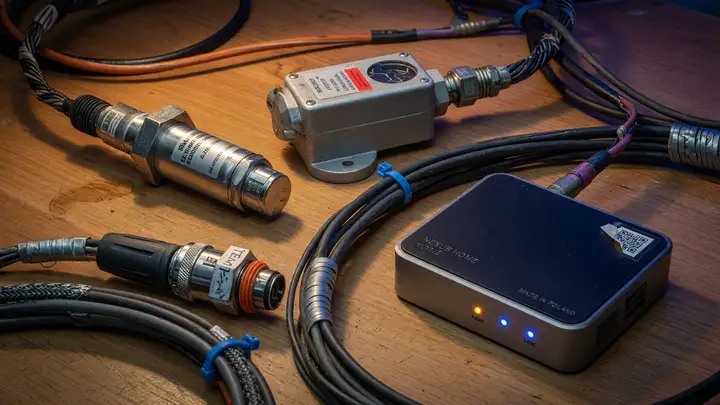
Consumer wireless protocols often fall short once cables stretch out, noise creeps in, or you need rock solid delivery. RS485 with Modbus steps in for exactly those situations, giving you reliable links to industrial grade sensors around the house or workshop. RS485 Physical Layer Limits RS485 uses differential signaling so it can handle long runs and multiple devices on a single bus. The specs lay out clear limits: 1200 m maximum at 100 kbps or slower. 10 Mbps peak speed, but only over roughly 12–15 m. A useful...
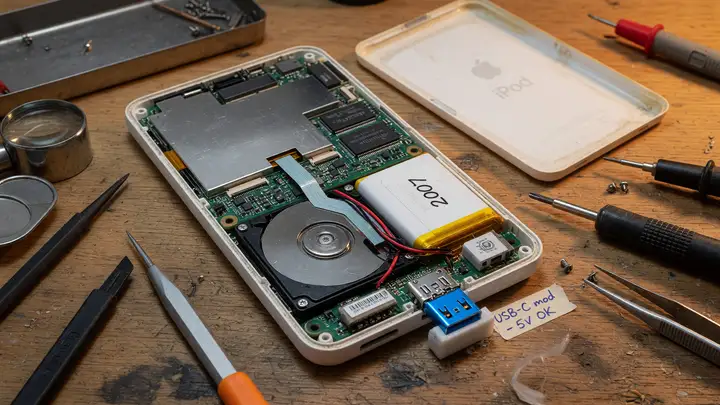
USB-C Modding a 2000s iPod Classic: Step-by-Step Hardware Guide
Step-by-step guide to converting 5th-7th gen iPod Classics to USB-C. Covers compatible models, kits, pinouts, wiring, tools, and post-install checks.
The 30 pin dock connector on 5th through 7th generation iPod Classics feels dated in 2025. These players still hold appeal thanks to their Wolfson DACs, expandable storage, and solid aluminum cases. Swapping the old port for USB C brings back normal charging and syncing without losing the hardware you like. Compatible Generations and Internal Layouts Three generations work best. They share the same 30 pin interface and leave enough room inside for a clean install. 5th / 5.5th gen (A1136 / A1237): Easiest case to...

3D Printed Replacement Parts: How to Fix Anything with Your Bambul
A guide to scanning and printing replacement parts for common household items.
If a cheap plastic clip on your toaster or a broken knob on your old stereo is costing you more than the time it takes to print a replacement, you are likely approaching the repair problem incorrectly. The solution isn't to buy an entirely new appliance; it's to scan and print the broken component itself. This represents the true, practical utility of 3D printing for household repairs, moving the technology far beyond the realm of novelty figurines. We are discussing a shift in focus: moving from the 'fun'...

Best Soldering Tips for Pinecil V3: The Ultimate Guide
A practical guide to selecting and using the right soldering tips for your Pinecil V3 iron, ensuring clean, reliable joints.
If you’re using a Pinecil V3, you already own a great iron. But the iron itself is only half the equation. The real difference in your soldering quality—the clean, reliable joints you want—comes down entirely to the tip you select. Using the wrong tip is the fastest way to frustrate yourself and end up with cold, sloppy connections. This isn't a guide on buying a new iron; it’s about matching the right tip geometry to the job at hand. We need to move past generic 'soldering tips' and talk about specific...
Setting up a 2026 Docker Lab on the Beelink SER8
Build a powerful, compact Docker lab on the Beelink SER8. This guide walks you through containerizing apps for self-hosting and experimentation.
The Beelink SER8 is a solid piece of hardware for building a dedicated, compact Docker lab. If you’re looking to self host services—think personal media servers, local dashboards, or testing environments—without dedicating a full tower PC to the job, this mini PC setup is worth the effort. This guide walks you through getting your containerized apps running reliably on this machine. Setting up a Docker lab isn't just about installing Docker; it’s about creating a stable, isolated environment where you can...
Top 10 Must-Have Accessories for Your Bambu Lab P1S
Upgrade your Bambu Lab P1S with these essential accessories to boost reliability, versatility, and print quality.
Top 10 Must Have Accessories for Your Bambu Lab P1S If you just unboxed your Bambu Lab P1S, you probably feel like you have the best printer on the market. And you probably do. But even the best machines benefit from a few smart add ons. These accessories aren't just 'nice to have' extras; they are specific tools that solve real world printing headaches, boost reliability, or unlock new materials. We've compiled a list of the must haves to make your P1S setup truly professional. Why Accessories Matter for the P1S...
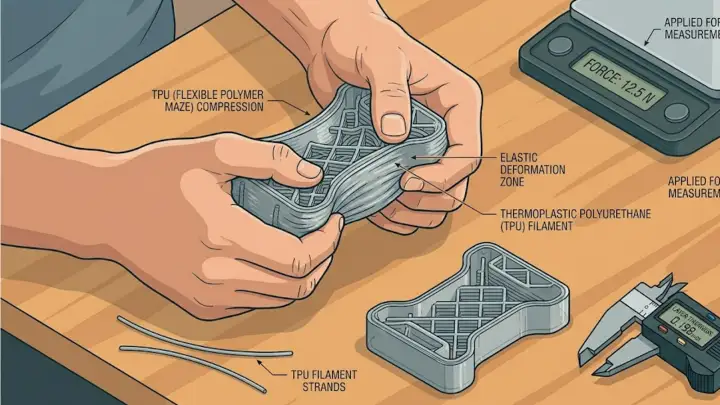
Mastering TPU: The Definitive Guide to Printing Flexible Parts
How to eliminate jams and achieve industrial-grade results with flexible filaments in your home workshop.
Flexible filaments like TPU (Thermoplastic Polyurethane) are the most underutilized tools in the DIY engineer's arsenal. While everyone is focused on rigid frames, the real 'pro' builds in 2026 utilize TPU for gaskets, vibration isolators, and impact resistant bumpers. However, TPU is notoriously difficult to print if your setup isn't tuned for its unique physical properties. It is often described as 'trying to push a wet noodle through a straw.' Here is how to master it without the constant jams and stringing....
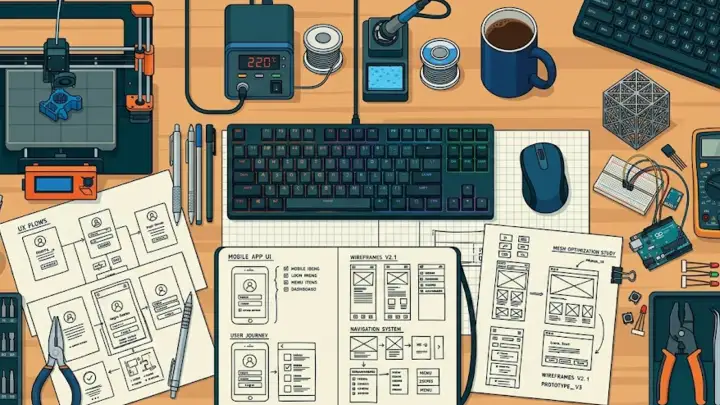
The 2026 DIY Engineering Gear Guide
A comprehensive shopping list for building a high-performance home lab capable of industrial-grade prototyping.
Building a functional engineering lab in 2026 is no longer about buying the cheapest tools available. It is about creating a cohesive ecosystem where your CAD designs, your 3D printer, and your bench tools communicate effectively. The goal is to reduce the time between 'idea' and 'physical prototype' while maintaining professional tolerances. If you are setting up a workshop today, you need to prioritize precision and material versatility. The following categories represent the essential hardware stack for any...
Best Smart Home Hubs of 2026: The Ultimate Comparison
Which hub should be the brain of your home? We test the top contenders.
I remember when "smart home hub" meant a plastic box that lived in your closet and only worked half the time. In 2026, the hub has moved into our living rooms, disguised as speakers and displays. The first thing you notice is that the "walled gardens" are finally starting to crumble. Apple HomePod & Apple TV If you're already in the Apple ecosystem, this is the path of least resistance. Actually, it's quite simple: the Apple TV 4K is secretly the best hub they make because it has a hardwired Ethernet port. In real...