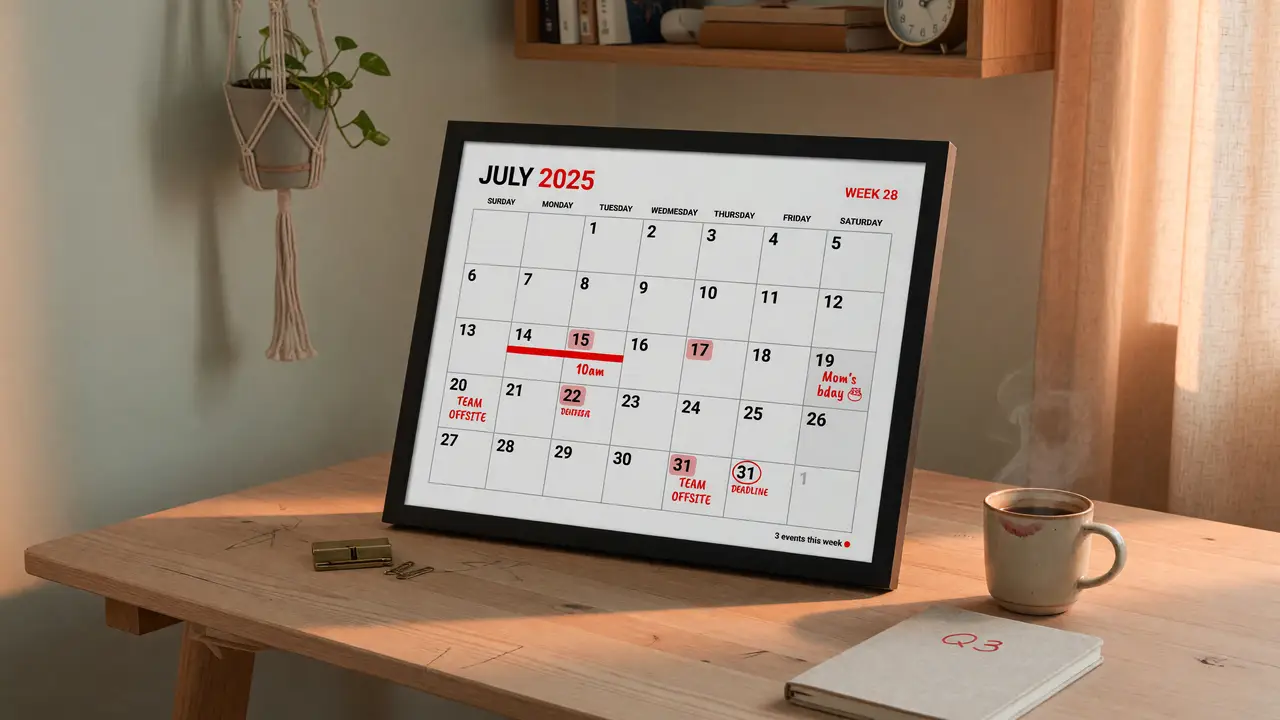
Building a Custom E-Paper Desk Calendar with 3-Color Waveshare Displays
Build a low-power e-paper desk calendar with Waveshare 3-color displays. Covers panel options, ESP32/Pi integration, software setup, power use, and enclosures.
Building a Custom E-Paper Desk Calendar Using 3-Color Waveshare Displays
E-paper calendars give you paper-like readability without backlight glare. Most commercial units stay monochrome and static, though. Waveshare’s three-color panels add red for visual hierarchy while keeping power draw near zero between updates.
Panel Options and Current Pricing
Waveshare’s B-series black/white/red modules dominate most desk-calendar builds. Mid-2024 pricing from the official store breaks down like this:
| Size | Resolution | Price Range (USD) | Typical Use Case |
|---|---|---|---|
| 1.54″ | 200 × 200 | 5.99–13.99 | Tiny status widget |
| 2.15″ | 212 × 104 | 5.99–13.99 | Minimal desk edge |
| 3.52″ | 360 × 240 | 11.99–19.99 | Compact portrait frame |
| 5.83″ | 648 × 480 | 26.97–39.99 | Balanced daily view |
| 7.5″ | 800 × 480 | 47.99–56.99 | Full calendar + weather |
| 12.48″ | 1304 × 984 | 183–185 | Wall-mounted dashboard |
The 5.83″ and 7.5″ sizes work best for desk use. Both give enough active area for readable text at roughly 0.2 mm pixel pitch.
Core Electrical and Timing Characteristics
A 7.5″ B V3 panel runs on the UC8179C controller over standard 4-wire SPI. A full refresh takes 15–23 seconds and draws 25–60 mW. Deep-sleep current on the panel alone stays under 20 µA. Pair it with an ESP32 in deep sleep and total draw rises to about 27 µA. That’s enough for months of runtime from a 3000 mAh 18650 cell when the display updates only three or four times a day.
Recommended Controller Choices
Two boards cover most builds: the Raspberry Pi Zero 2 W and ESP32-S3 boards. The Pi brings mature Python tooling and direct 40-pin HAT support. The ESP32 adds native Wi-Fi and lower idle power when you need battery operation. Both use the same pinout: DIN, CLK, CS, DC, RST, BUSY.
Software Stack and Calendar Integration
The official waveshare/e-Paper repository includes ready Python examples built around Pillow for image composition. A minimal daily update looks like this:
from waveshare_epd import epd7in5b_V2
from PIL import Image, ImageDraw, ImageFont

epd = epd7in5b_V2.EPD()
epd.init()
# generate calendar image...
epd.display(epd.getbuffer(image))
epd.sleep()
Projects like mgfcf/E-Paper-Calendar already handle Google Calendar OAuth, OpenWeatherMap data, and RSS feeds. Fork the repo, swap in your 7.5″ panel constants, and you’ll have a working prototype in under an hour.
Power and Mechanical Considerations
USB 5 V is simplest for a desk unit that stays plugged in. Battery builds work best when the panel stays powered and only the MCU sleeps; partial refresh after deep sleep may need a small HAT tweak. Enclosure files are easy to find—avirtuos/waveshare and diymachines.co.uk both share OpenSCAD and Fusion 360 sources sized for the 7.5″ panels.
Getting Started Checklist
- Order a 7.5″ B V3 panel plus matching HAT or ESP32 driver board.
- Clone
mgfcf/E-Paper-Calendarand run the installer script. - Print a stand from the linked STL files or adapt an Ikea picture frame.
- Schedule updates via cron or ESP32 deep-sleep timers (every 15 min to 24 h).
Three-color e-paper has matured enough that a low-power, always-visible desk calendar is now mostly an integration job. Pricing, libraries, and enclosures have all settled into a practical range.