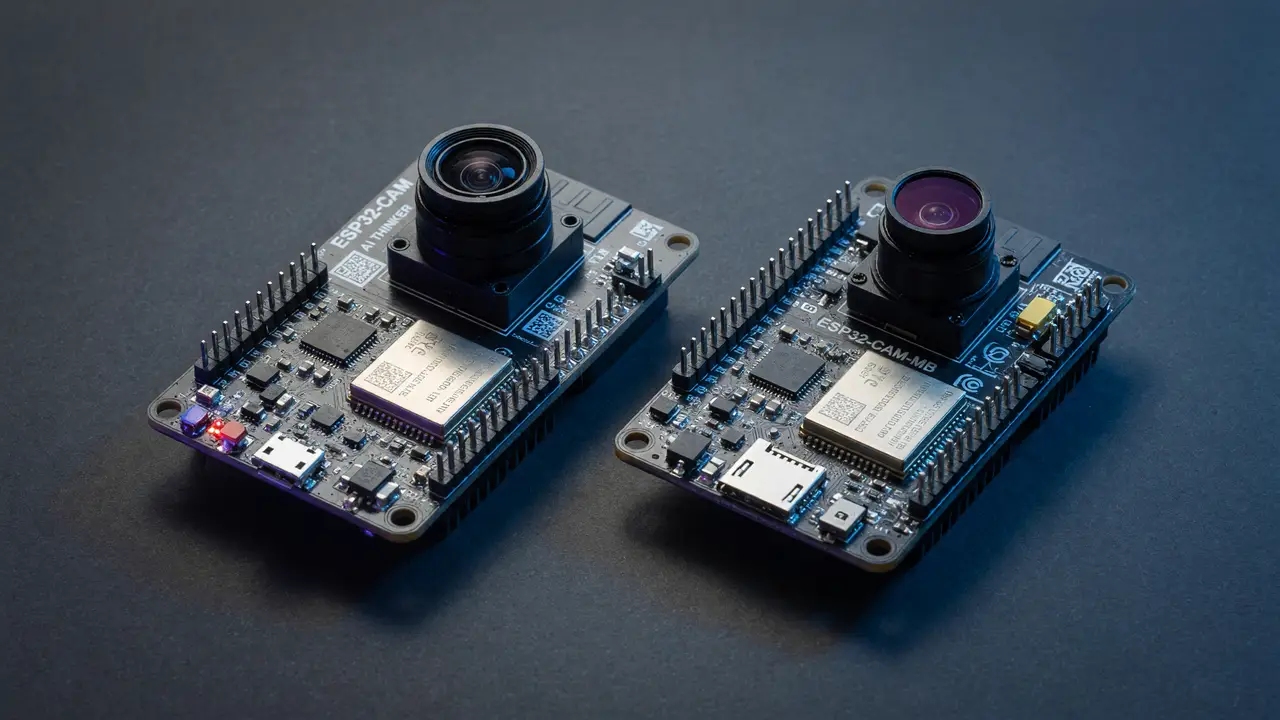
ESP32-CAM vs Seeed Studio XIAO ESP32S3 Sense: Which Board Wins for Budget Edge Vision?
Compare ESP32-CAM and XIAO ESP32S3 Sense for budget edge vision: hardware specs, frame rates, power draw, TinyML performance, and which board fits your prototype.
The ESP32-CAM has served as the default choice for cheap camera projects for years. You can grab one for less than $8 and get a 2 MP sensor along with basic Wi-Fi. The XIAO ESP32S3 Sense costs roughly twice as much, so the real question is whether that premium delivers better frame-rate stability, more memory, or improved power numbers when capture, inference, and streaming run at the same time.
Camera Hardware and Resolution Limits
Both boards rely on the OV2640 sensor and top out at 1600×1200. The XIAO Sense accepts a 5 MP OV5640 module from Seeed if you need higher resolution, while the ESP32-CAM stays locked to the lens that ships with it.
The rest of the hardware shows clearer gaps:
- The ESP32-CAM pairs a single-core ESP32 with 4 MB PSRAM.
- The XIAO ESP32S3 Sense uses a dual-core ESP32-S3 with 8 MB PSRAM, plus a built-in microphone and microSD slot.
Those additions help more with buffering and concurrent tasks than with raw pixel count.
Processing Workflow
The dual-core design changes how work gets scheduled. Here is the typical flow on each board:
flowchart TD
    Cam[OV2640 Capture] -->|ESP32-CAM| Single[Single Core<br/>Capture + Inference + Wi-Fi]
    Cam -->|XIAO ESP32S3 Sense| Core0[Core 0: Capture + Preprocess]
    Core0 --> Core1[Core 1: Inference + Stream]
    Core1 --> WiFi[Wi-Fi Output]
The split on the S3 keeps one core free for network work even while the other handles the camera pipeline.
Frame Rate Comparison
JPEG performance under load shows the S3’s advantage once capture and processing overlap.
| Resolution | ESP32-CAM (FPS) | XIAO ESP32S3 Sense (FPS) | Notes |
|---|---|---|---|
| QVGA (320×240) | ~50 | 25–50 | Wi-Fi streaming hurts the XIAO |
| VGA (640×480) | 25–30 | 14–25 | Dual-core use helps the XIAO hold steady |
| UXGA (1600×1200) | 1–7 | 2.5–6.7 | PSRAM becomes the limiter on the ESP32-CAM |
Pricing and Integration Value
| Board | Typical Price | Key Extras | Best For |
|---|---|---|---|
| ESP32-CAM (clones) | $3–8 | None | Lowest possible cost |
| XIAO ESP32S3 Sense | $13.99 | USB-C, LiPo charger, 8 MB PSRAM, mic, SD | Integrated prototypes |
The ESP32-CAM still wins on raw price. The XIAO Sense adds charging circuitry, a compact 21×17.5 mm footprint, and reliable USB programming, which removes several extra parts from many builds.
Power and Battery Suitability
Power draw reveals the biggest gap for always-on use. The ESP32-CAM pulls 65–120 mA while capturing and running inference. The XIAO ESP32S3 Sense sits at 105 mA during 25 FPS QVGA streaming but drops to 240 µA in deep sleep. That sleep current makes multi-week battery life realistic for camera traps or remote nodes. The ESP32-CAM usually needs extra regulator and sleep circuitry to reach similar numbers.
TinyML Inference Performance
Both boards run quantized models from Edge Impulse or TensorFlow Lite Micro. Memory and core count set the practical limit on model size.
The ESP32-CAM typically takes 200–800 ms on 96–240 px inputs and stays limited to smaller tensor arenas. The XIAO ESP32S3 Sense finishes MobileNetV2 and FOMO models in 180–600 ms, and the 8 MB PSRAM supports 240×240 RGB buffers plus a 1.5 MB arena. For person detection or basic classification at 3–7 FPS while streaming over Wi-Fi, the XIAO stays steadier.
Practical takeaway: Grab the ESP32-CAM for a simple one-off Wi-Fi camera under $10 where inference needs stay light. Go with the XIAO ESP32S3 Sense when you want reliable dual-core performance, easier battery integration, or headroom to grow the model later.
For most ongoing edge vision projects on a modest budget, the XIAO ESP32S3 Sense offers the more practical route.