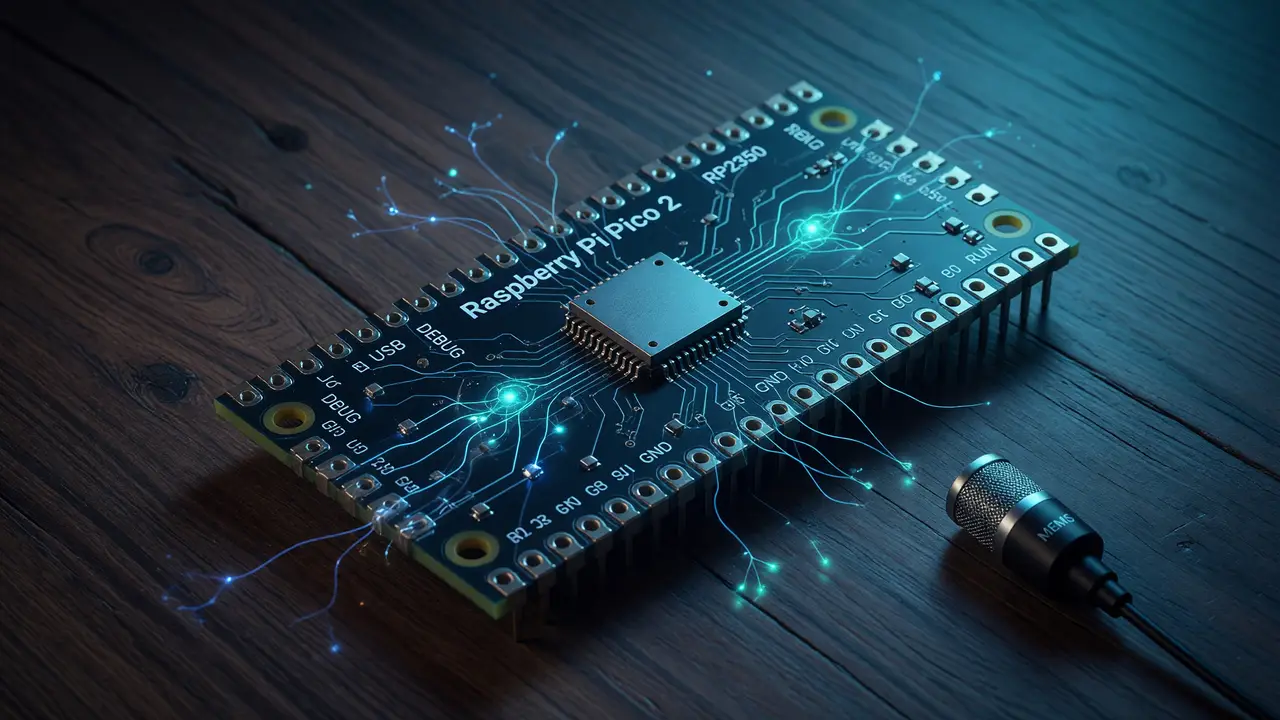
Introduction to TinyML: Running Keyword Spotting on a Raspberry Pi Pico 2
Explore running production-grade keyword spotting on the $5 Raspberry Pi Pico 2 using TinyML. Covers RP2350 specs, Edge Impulse workflows, board comparisons and deployment steps.
A $5 board with 520 KB SRAM can now run production-grade keyword spotting models. The Raspberry Pi Pico 2 moves TinyML from lab experiments to something you can actually ship in voice interfaces.
RP2350 Hardware That Changes the Cost Curve
The RP2350 packs dual Cortex-M33 cores running at 150 MHz, 520 KB SRAM, and 4 MB of onboard QSPI flash. It keeps the familiar Pico form factor but adds hardware security features the original RP2040 never had.
Those specs comfortably fit quantized models. At launch the base Pico 2 sells for $5; the wireless Pico 2 W version costs $7.
Key specifications
- Dual Cortex-M33 or selectable dual Hazard3 RISC-V cores
- 520 KB SRAM, 4 MB flash
- No wireless on base model (802.11n + Bluetooth 5.2 on W variant)
- Released August 8, 2024
Keyword Spotting Remains the Canonical TinyML Task
Keyword spotting catches short trigger words like “hey pico” or “stop” with low latency and very little power. Current optimized models fit in a 10–15 KB footprint after INT8 quantization and still clear 90 % accuracy on 10–12 word vocabularies.
Pruning, 8-bit quantization, and operator fusion bring reference models down from 50–100 KB to the 8–20 KB range that runs well on Cortex-M33 targets.
Toolchains With Native RP2350 Support
Edge Impulse offers the most direct route. Its pre-built firmware (ei_rp2350_firmware.uf2) targets the pico2 board definition and covers data collection, training, and C++ library export.
TensorFlow Lite Micro works through the Arduino-Pico core or custom ports. microTVM and CMSIS-NN builds are also options.
# Typical Edge Impulse deployment steps
curl -o ei_rp2350_firmware.uf2 https://...
picotool load ei_rp2350_firmware.uf2
picotool reboot
How Pico 2 Compares to Other TinyML Boards
flowchart LR
    A[Pico 2\n$5] --> B[Edge Impulse\nTFLM]
    C[XIAO ESP32-S3\n$5-12] --> B
    D[Arduino Nano RP2040\n$25-30] --> B
    E[STM32H7\n$10-25] --> B
Competitor comparison
| Board | MCU / Clock | SRAM | Flash | Price | Wireless | TinyML Notes |
|---|---|---|---|---|---|---|
| Raspberry Pi Pico 2 | RP2350 / 150 MHz | 520 KB | 4 MB | $5 | None | Strong Edge Impulse support |
| Seeed XIAO RP2350 | RP2350 / 150 MHz | 520 KB | 2 MB | $6 | None | Compact form factor |
| Arduino Nano RP2040 | RP2040 / 133 MHz | 264 KB | 16 MB | $25 | Yes | Higher cost for wireless |
| XIAO ESP32-S3 | ESP32-S3 / 240 MHz | 512 KB | 8 MB PSRAM | $5–12 | Yes | Excellent vector instructions |
| STM32H743 | Cortex-M7 / 480 MHz | 1–2 MB | Varies | $10–25 | No | Highest performance tier |
Practical Deployment Workflow
- Collect 2–3 minutes of wake-word audio per class in Edge Impulse.
- Train a DS-CNN or microTVM model and quantize to INT8.
- Export the C++ library and flash the resulting UF2.
- Measure inference latency and current draw on the target hardware.
The dual-architecture RP2350 lets you test both Arm and RISC-V paths on the same board.
Conclusion
The Pico 2 brings Cortex-M33 performance and hardware security down to the $5 price point. With 10–15 KB keyword-spotting models and solid Edge Impulse support, makers can now build always-on voice triggers without cloud round-trips or expensive chips. Start with the official Edge Impulse RP2350 firmware and you can go from prototype to working device in hours.