Krita AI Diffusion vs Automatic1111: Which Interface Is Best for AI Art?
Compare Krita AI Diffusion and Automatic1111 for Stable Diffusion. Review integration styles, hardware requirements, workflows, and community support to choose the right AI art tool.
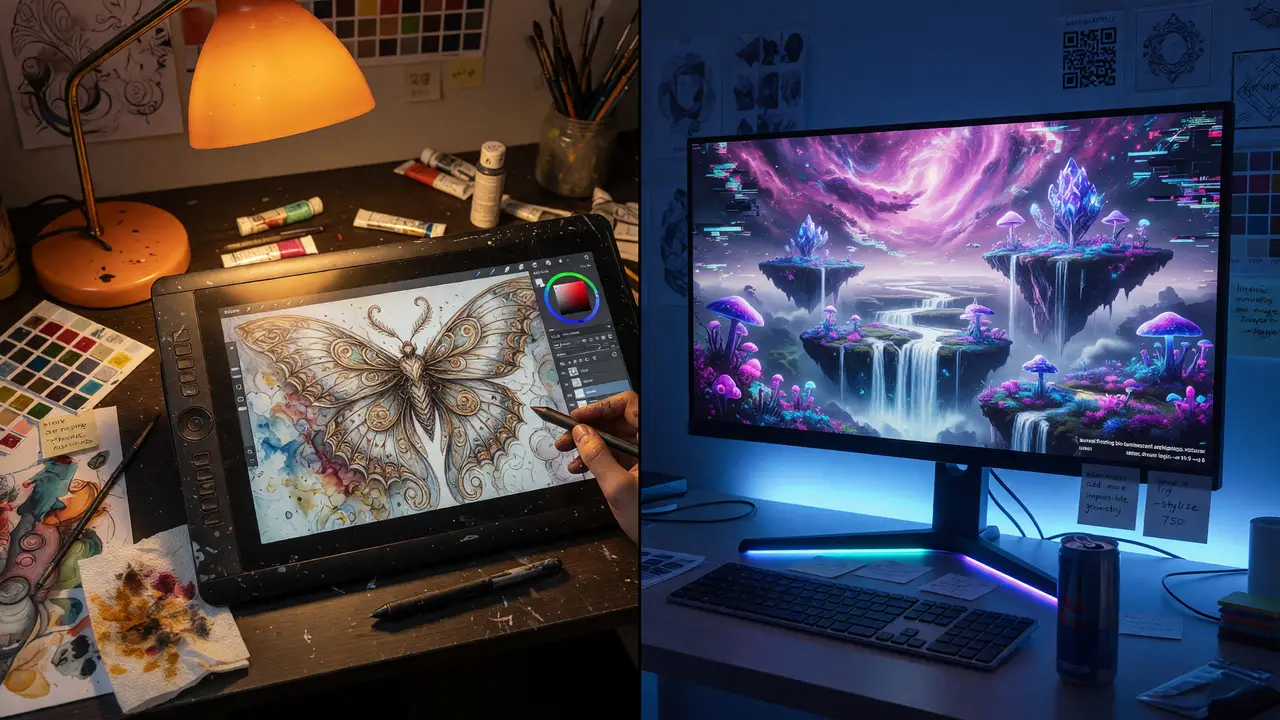
Artists adding Stable Diffusion to their workflow face a choice: generate images inside a familiar painting program or use a dedicated interface for more control. Krita AI Diffusion integrates with Krita, while Automatic1111 stands alone. They vary in how they fit into daily work, what hardware they need, and the size of their communities.
Project Scope and Maturity
Krita AI Diffusion works as a plugin inside the open-source painting app Krita. It relies on a ComfyUI backend and mainly serves people who already sketch and composite in that program. The plugin sees regular updates—version 1.52.1 landed in June 2025, with commits continuing through the summer.
Automatic1111 Stable Diffusion WebUI runs as a standalone Gradio app. It hit version 1.10.1 in February 2025 and has drawn far more contributors. Its GitHub repo sits at roughly 164,000 stars versus Krita AI Diffusion’s 10,300, which translates into more extensions and shared resources.
Hardware Requirements Side by Side
Both tools run on consumer GPUs, though the practical minimums differ.
| Aspect | Krita AI Diffusion | Automatic1111 |
|---|---|---|
| Minimum VRAM | 6 GB (4 GB possible with issues) | 4 GB with —lowvram/—medvram flags |
| Recommended VRAM | 8–12 GB NVIDIA RTX | 8–12 GB (RTX 3060 12 GB frequently cited) |
| System RAM | 16 GB minimum, 32 GB preferred | 8 GB minimum, 16–32 GB preferred |
| Storage | 30–50 GB SSD | 10–50 GB NVMe SSD |
| OS Support | Windows 10/11, Linux, macOS 14+ (MPS) | Windows, Linux, macOS (Apple Silicon) |
| Backend Notes | ComfyUI; CPU mode “practically useless” | Python 3.10.6 required; ROCm/DirectML/IPEX |
Automatic1111 gives users with smaller cards an easier starting point, but both tools feel most comfortable on NVIDIA hardware with at least 8 GB VRAM.
Integration and Daily Workflow
Krita AI Diffusion keeps everything on one canvas. You generate, inpaint, and upscale without leaving Krita’s brushes or layer stack, which suits illustrators who like to refine directly on painted elements.
flowchart TD
    Canvas[Krita Canvas & Layers] --> Plugin[AI Diffusion Plugin]
    Plugin --> Backend[ComfyUI Backend]
    Backend --> Actions[Generate / Inpaint / Upscale]
    Actions --> Canvas
Automatic1111 opens in a browser tab and offers a wide set of tabs, scripts, and model tools. Most people export the results into another editor afterward. The interface encourages quick experiments with prompt matrices and XYZ plots, but it adds an extra step of moving files around.
flowchart TD
    Browser[Browser Tab] --> Gradio[Gradio Interface]
    Gradio --> Tools[Prompts / Scripts / Models]
    Tools --> Generate[Image Generation]
    Generate --> Export[Export to External Editor]
Popularity Metrics and Maintenance Signals
| Metric | Krita AI Diffusion | Automatic1111 |
|---|---|---|
| GitHub Stars | ~10,300 | ~164,000 |
| Forks | ~600 | ~30,000 |
| Open Issues | 110–123 | ~2,400 |
| Primary Strength | Artist-centric workflow | Breadth of extensions |
The higher star and fork counts for Automatic1111 point to a bigger library of models, LoRAs, and troubleshooting threads. Krita AI Diffusion’s smaller issue count reflects its narrower focus.
Practical Decision Factors
- Pick Krita AI Diffusion if you already work in Krita 5.2+ and want generation to feel like another brush or filter.
- Pick Automatic1111 if you need fast model swapping, heavy batch work, or access to the widest range of community scripts.
- Both tools use the same underlying models, so final image quality hinges more on prompting and checkpoint choice than on the frontend itself.
If your VRAM hovers around 6 GB, start with Automatic1111’s lighter flags to test compatibility. Artists already comfortable in Krita tend to see the quickest gains from the plugin approach.
The better choice usually comes down to habit: stay inside the painting app you know, or move to a dedicated generation hub.