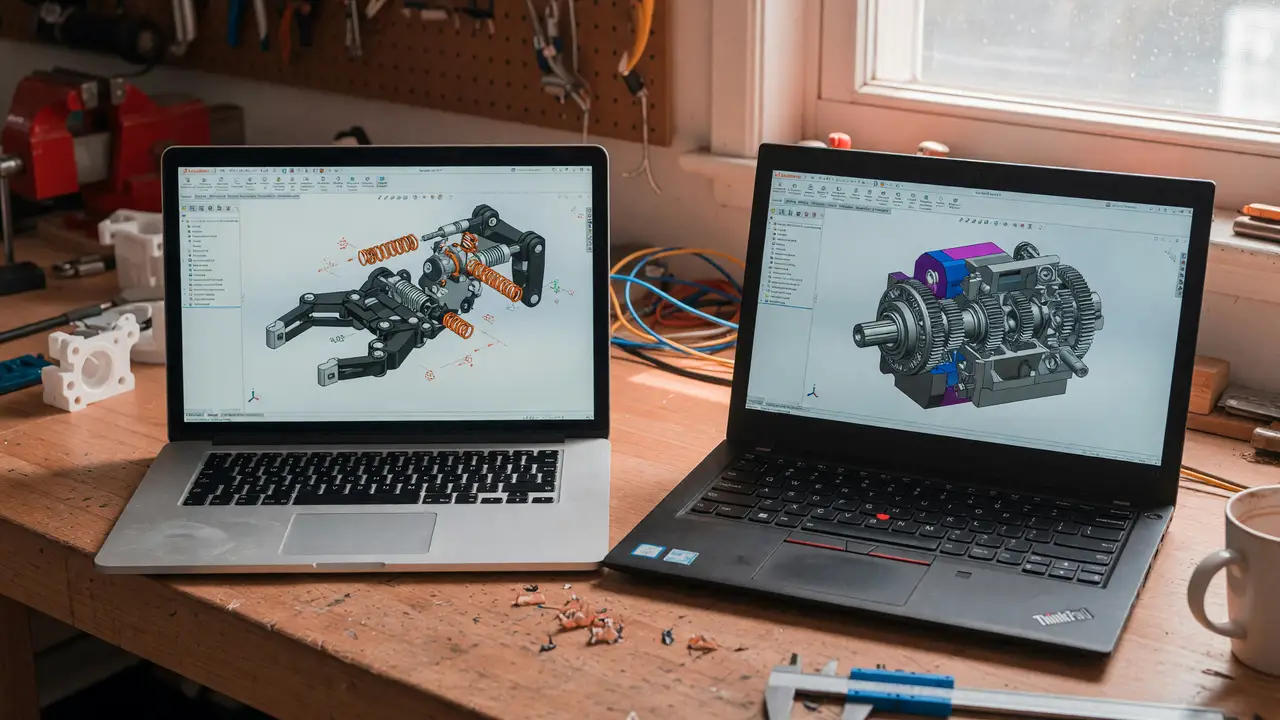
Onshape vs FreeCAD: Best Parametric CAD Software for Makers
Compare Onshape and FreeCAD for parametric CAD. Pricing, collaboration, performance, and which is best for makers and 3D printing workflows.
When choosing parametric CAD, makers face a straightforward trade-off: pay for a polished cloud platform or invest time in a free desktop tool that puts you in full control. The better option hinges on your actual workflow rather than marketing claims.
Pricing and Licensing Realities
Onshape’s free plan includes full parametric modeling, real-time collaboration, and version history. The limitations are clear: all documents remain public, private storage caps at 100 MB, and you’re restricted to 10 documents total. Commercial projects require the Standard plan at $1,500 per user per year or the Professional plan at $2,500, which unlocks simulation, rendering, and PDM features.
FreeCAD is released under the LGPL 2+ license at no cost. You retain full ownership of your files, can use it commercially without restrictions, and face no recurring fees. Version 1.0.2 shipped in August 2025, with 1.1 builds still available on GitHub.
| Aspect | Onshape Free | Onshape Paid (Standard/Pro) | FreeCAD |
|---|---|---|---|
| Cost | $0 | $1,500–$2,500/user/year | $0 |
| Commercial use | No | Yes | Yes |
| Private documents | Limited (10 max) | Unlimited | Unlimited |
| Offline access | No | No | Yes |
Platform Access and Hardware Demands
Onshape runs in any modern browser with WebGL support and offers native iOS and Android apps. All processing happens on Onshape’s servers, so hardware requirements stay modest as long as you have a reliable internet connection. FreeCAD installs locally on Windows 8+, macOS 10.13+, and Linux. It runs on 4–8 GB of RAM but performs noticeably better with 16 GB and a dedicated GPU such as a GTX 1060. After installation, it operates completely offline.
Collaboration Versus Local Control
Onshape excels when multiple people need to edit the same model simultaneously with automatic version tracking. This setup suits teams or shared makerspaces. FreeCAD remains a single-user desktop application, though you can integrate it with Git for basic version control. If you work solo or require offline access, FreeCAD provides immediate file access without any cloud constraints.
Onshape wins on polish and collaboration; FreeCAD wins on zero-cost commercial work and local control.
Performance in 3D Printing Workflows
Both tools manage parametric assemblies well enough for 3D printing. Onshape’s free tier allows direct STL export and sharing from the browser. FreeCAD’s 1.0 and 1.1 releases improved the Part Design and Assembly workbenches, making complex multi-part prints export more reliably. Large assemblies often run smoother in Onshape’s cloud environment, while FreeCAD rewards users willing to handle occasional manual constraint tweaks in exchange for permanent offline access.
Ratings and Maker Community Signals
Onshape averages 4.5/5 across reviews, while FreeCAD sits at 4.3/5. Forum discussions show that makers familiar with SolidWorks find Onshape intuitive, though the subscription cost becomes noticeable for individuals. FreeCAD users often mention a steeper initial learning curve and dated interface, yet they consistently highlight the absence of ongoing fees once they’re comfortable with the tool.
Decision Framework for Makers
Run through these questions in order:
- Need real-time team editing or mobile access? Start with Onshape’s free public tier.
- Want commercial rights and offline use? Go with FreeCAD right away.
- Planning to grow from hobby projects into small production? FreeCAD removes any future licensing jumps.
- Prefer polished tutorials and paid support? Budget for Onshape Professional or lean on FreeCAD’s active community resources.
flowchart TD
    Start[Start: Choosing CAD software] --> Q1{Need real-time collab or mobile?}
    Q1 -->|Yes| OnshapeFree[Onshape Free tier]
    Q1 -->|No| Q2{Require offline + commercial use?}
    Q2 -->|Yes| FreeCAD[FreeCAD]
    Q2 -->|No| Q3{Growing into production?}
    Q3 -->|Yes| FreeCAD
    Q3 -->|No| OnshapePaid[Onshape Paid]
Conclusion
Onshape delivers convenience and seamless collaboration, but you pay for both. FreeCAD gives you complete ownership and local control at the cost of an initial learning curve. Makers who prioritize zero ongoing costs and full file ownership usually choose FreeCAD. Those who value browser access and shared editing tend to stick with Onshape once their projects exceed the free plan limits.