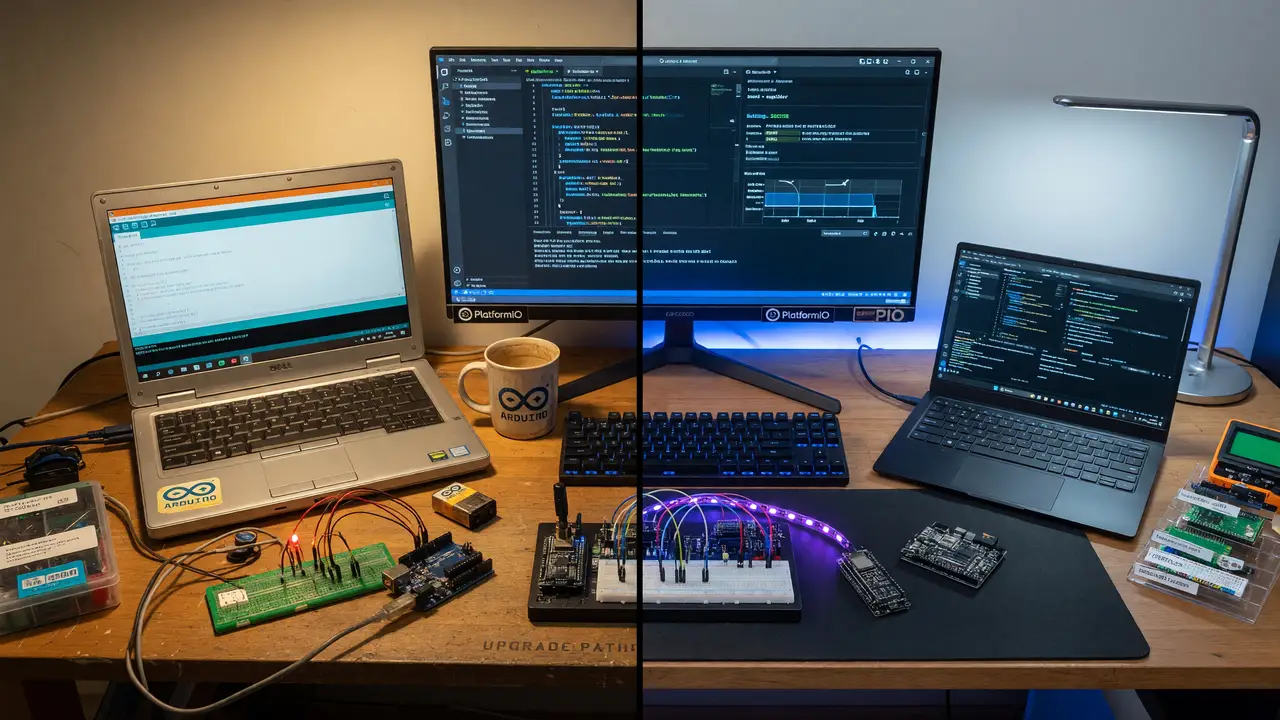
PlatformIO vs Arduino IDE: Why It's Time to Upgrade Your Workflow
Compare PlatformIO and Arduino IDE 2.x for embedded projects. Discover better debugging, dependency management, multi-board support, and migration tips while retaining your existing Arduino code.
Many makers default to Arduino IDE 2.3.6. The single-sketch approach holds up for simple projects, but things get tricky once you need multiple boards, real debugging, or team collaboration. PlatformIO offers a solid next step while preserving the Arduino libraries and frameworks you’re used to.
The Constraints of Arduino IDE 2.x
The interface stays clean and the Serial Monitor runs without fuss. Still, the whole setup centers on one sketch. Libraries live in a shared global folder, which quickly creates version conflicts when two projects need different releases of the same library. Debugging rarely moves past basic Serial.print() statements or simple exception output, even on boards like the ESP32.
The IDE also lacks support for multiple boards inside a single project. Switching between an ESP32 prototype and an STM32 board usually means juggling separate folders or constantly editing settings.
PlatformIO Core Capabilities
PlatformIO Core is free and open source. It supports dozens of platforms and more than a thousand boards from one project. You can combine Arduino, ESP-IDF, and Mbed frameworks in the same workspace and target different hardware without duplicating code.
A single platformio.ini file stores the board, framework, and dependency settings for every environment. This replaces scattered global libraries with builds that anyone can reproduce.
[env:esp32dev]
platform = espressif32
board = esp32dev
framework = arduino
monitor_speed = 115200

[env:stm32f4]
platform = ststm32
board = nucleo_f401re
framework = arduino
Feature Comparison
| Aspect | Arduino IDE 2.3.6 | PlatformIO |
|---|---|---|
| Debugging | Serial output, basic decoder | Breakpoints, JTAG/SWD, variable watch, unit tests |
| Library Management | Global installs, version conflicts | Per-project platformio.ini, automatic resolution |
| Multi-board Support | Separate sketches | Multiple environments in one project |
| Editor | Custom IDE | Full VS Code ecosystem + IntelliSense |
| Cost (Core) | Free | Free (Registry Pro starts at $10/mo) |
Library and Dependency Management
Dependencies resolve per project. When a teammate clones the repo, one pio run command pulls the exact library versions recorded in the config. Arduino IDE’s global Library Manager offers no equivalent, so teams often track versions in a separate document or end up with broken builds.
Debugging and Testing Workflow
PlatformIO adds OpenOCD-based debugging over JTAG and SWD. You can set breakpoints, inspect variables, and run unit tests directly from the editor. Arduino IDE 2.x has none of this built in, so complex firmware issues usually fall back to trial-and-error serial logs.
Migration Path
Install the PlatformIO extension for VS Code. Open an existing Arduino sketch folder and let it generate a starter platformio.ini. Most sketches compile with little or no change because the Arduino framework stays fully supported. Once the first build passes, add a second environment for another board to try the multi-target workflow.
flowchart TD
    A[Open Arduino sketch in VS Code] --> B[Install PlatformIO extension]
    B --> C[Generate platformio.ini]
    C --> D[Run first build]
    D --> E{Add second environment?}
    E -->|Yes| F[Define new board in ini]
    F --> G[Build and debug across targets]
    E -->|No| H[Continue with single board]
For quick one-off prototypes or classroom demos, Arduino IDE 2.3.6 remains perfectly fine. Switch to PlatformIO once a project needs multiple boards, locked-down dependencies, or real hardware debugging. The Arduino code stays the same while you gain the tooling that professional embedded work expects.