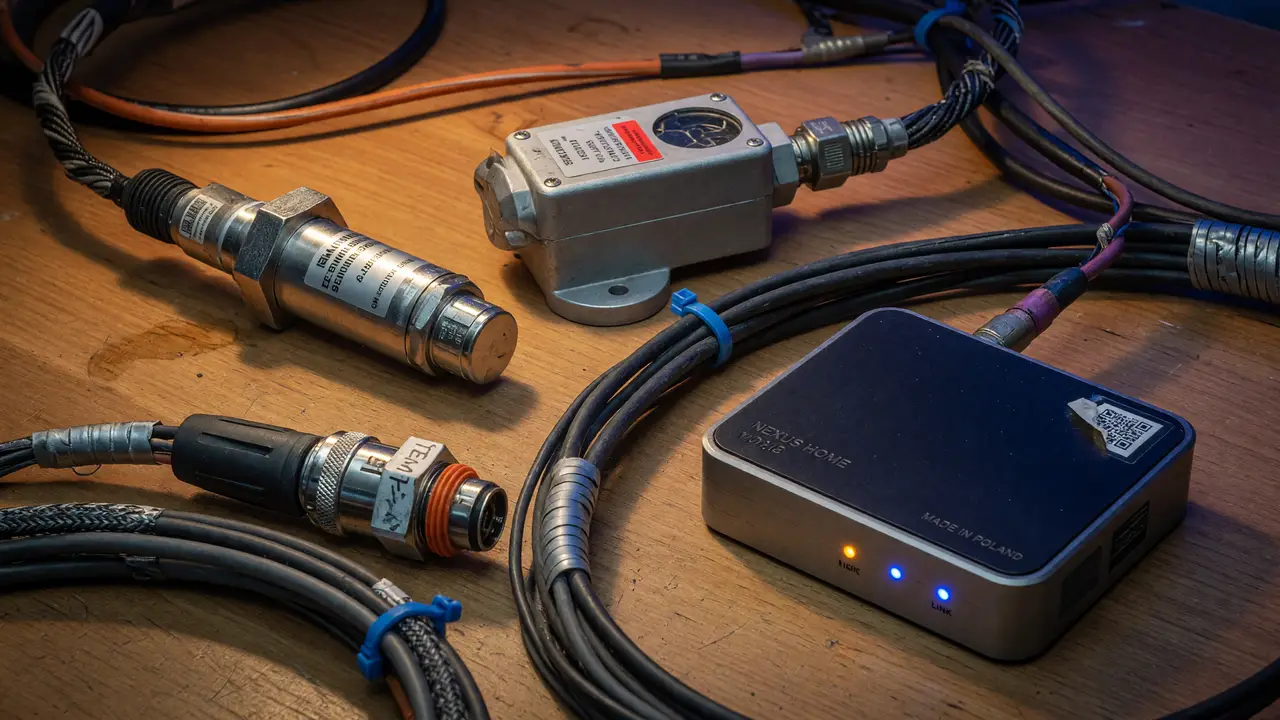
Understanding RS485 and Modbus: Bridging Industrial Sensors to Your Home Assistant
Learn how to integrate reliable RS485 and Modbus industrial sensors with Home Assistant using USB adapters or Ethernet gateways. Practical setup guide included.
Consumer wireless protocols often fall short once cables stretch out, noise creeps in, or you need rock-solid delivery. RS485 with Modbus steps in for exactly those situations, giving you reliable links to industrial-grade sensors around the house or workshop.
RS485 Physical Layer Limits
RS485 uses differential signaling so it can handle long runs and multiple devices on a single bus. The specs lay out clear limits:
- 1200 m maximum at 100 kbps or slower.
- 10 Mbps peak speed, but only over roughly 12–15 m.
- A useful rule of thumb: keep cable length in meters times bitrate in bits per second under 10^8.
Drivers put out at least ±1.5 V into a 54 Ω load, while receivers pick up signals down to ±200 mV. The common-mode range of −7 V to +12 V helps in noisy spots. Stick with 120 Ω twisted-pair cable (22–24 AWG) and terminate both ends.
Recommended USB-to-RS485 Adapter
Plugging straight into a Raspberry Pi or mini-PC keeps things cheap. The Waveshare USB to RS485 (FT232RL chipset) shows up most often in working Home Assistant setups.
| Adapter | Chipset | Price (approx.) | Notes |
|---|---|---|---|
| Waveshare (FT232RL) | FT232RL | £14.99 | TX/RX LEDs, screw terminals, reliable |
| DSD TECH SH-U10 | CP2102 | $15–25 | Basic indicators, no isolation |
| FTDI USB-RS485-WE | FTDI | $25–35 | Bare wires, proven driver support |
Skip the CH340G/CH343G chips—users report dropouts during steady Modbus RTU polling. None of these low-cost adapters offer galvanic isolation, so add TVS diodes and a fuse on longer runs.
Modbus TCP Gateways for Ethernet or MQTT
When the sensor sits far from your Home Assistant machine, an RS485-to-Ethernet gateway cuts the serial cable out of the picture.
- USR-DR-134 / USR-TCP232 series (£12–15) handles simple RTU-to-TCP conversion and offers web-based setup.
- Teltonika TRB140 ($160–200) adds cellular backup, Docker support, and its own MQTT broker.
- ADFWeb HD679xx-B2 (€180–250) gives bidirectional Modbus-to-MQTT with TLS.
These boxes let you surface sensors as Modbus TCP entities or MQTT topics without keeping a USB connection alive.
Home Assistant Modbus Integration
The official integration runs on pymodbus 3.8.3 and handles both RTU and TCP out of the box. Drop this into configuration.yaml:
modbus:
  - name: "workshop"
    type: rtu
    port: /dev/ttyUSB0
    baudrate: 9600
    bytesize: 8
    parity: N
    stopbits: 1
    sensors:
      - name: "SDM120 Voltage"
        slave: 1
        address: 0
        input_type: input
        data_type: float32
        unit_of_measurement: V
You can tweak scan intervals, retries, and scaling factors. The integration stays actively maintained with each Home Assistant release.
Common Industrial Sensors and Pricing
Plenty of Modbus RTU devices slot straight in:
- Eastron SDM120/SDM630 energy meters from €41.
- Seeed Studio S-Soil MTEC-02 (moisture, temperature, EC) at €105.
- Dragino WSS wind/rain/PAR sensors between €43 and €239.
- S+S Regeltechnik THERMASGARD series with ±0.2 K accuracy for $124–$170.
Expect most sensors to land between $40 and $200. Units under $30 exist, but they often skip proper EMC testing.
Setup Checklist and Trade-offs
- Check the adapter chipset before you buy.
- Terminate the RS485 bus at both ends.
- Start at 9600 baud once runs exceed 100 m.
- Add a 120 Ω resistor if your adapter or gateway lacks one.
- Verify everything with a basic Modbus poll tool before turning on the integration.
Direct USB wins for cost and simplicity. Ethernet gateways win for distance and isolation. Match the choice to your cable length and how many sensors share the bus.
RS485 and Modbus give you a straightforward way to bring tough industrial sensors into a modern home-automation setup. The specs are stable, the hardware stays affordable, and the Home Assistant integration is solid. Pick the adapter or gateway that fits your distance needs and the sensors will keep feeding reliable data for years.