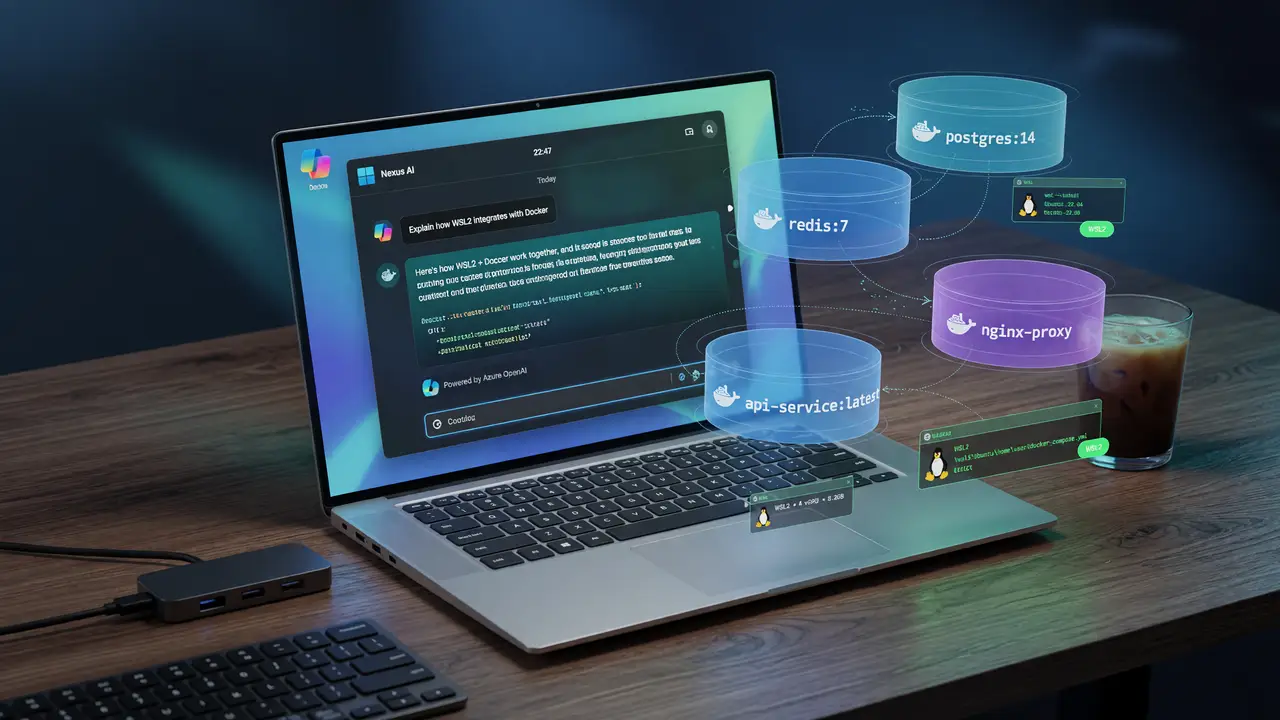
Running LLMs Locally: Docker, WSL2, and Open WebUI on Windows
Guide to running LLMs locally on Windows using Docker, WSL2, and Open WebUI. Covers hardware requirements, licensing, installation, and networking fixes for a stable offline setup.
Running a capable LLM interface on Windows without sending data to third-party servers can be tricky. Docker Desktop licensing, WSL2 networking quirks, and GPU passthrough issues often turn a straightforward goal into a long troubleshooting session. This guide walks through a stable, low-cost path using the current recommended stack.
Hardware Requirements That Actually Matter
Community testing and official guidance point to these thresholds for decent performance with 7B–13B models.
Minimum viable configuration
- 16 GB system RAM
- 11th-gen Intel or Zen 4 AMD CPU (AVX-512 helps)
- 50 GB free disk space
- Optional NVIDIA GPU with 4–8 GB VRAM for quantized models
Larger models follow a predictable pattern: a 4-bit 7B model needs roughly 4 GB VRAM, a 13B model needs 8 GB, and a 30B model needs 16 GB. CPU instruction-set support matters more than core count for matrix operations. Limiting Docker to 8 GB RAM and 4 CPUs inside the container helps keep the host stable on mid-range laptops.
Docker Desktop Licensing and the Native WSL2 Path
Docker Desktop stays free only for personal use or for organizations with fewer than 250 employees and under $10 M in revenue. Paid tiers begin at $9/user/month (Pro), $15/user/month (Team), and $24/user/month (Business).
Many users therefore run the open-source Docker Engine directly inside a WSL2 distribution. This sidesteps the subscription while keeping full container functionality. Windows 11 23H2 (build 22631) or Windows 10 22H2 (build 19045) with WSL 2.1.5+ meets the base requirements.
Installing Open WebUI via Docker
The current stable release is v0.8.12. With over 132 k GitHub stars, it remains the most popular self-hosted chat interface that works with Ollama out of the box.
docker run -d \
  -p 3000:8080 \
  --add-host=host.docker.internal:host-gateway \
  -v open-webui:/app/backend/data \
  --name open-webui \
  --restart always \
  ghcr.io/open-webui/open-webui:main
Open the UI at http://localhost:3000. Set the OLLAMA_BASE_URL environment variable to http://host.docker.internal:11434 (or the WSL IP when using mirrored networking) so it can reach an Ollama instance running on the host.
Networking and GPU Gotchas on WSL2
Three issues show up repeatedly in GitHub discussions:
- Container-to-host Ollama connectivity fails under default NAT.
- NVIDIA Container Toolkit needs manual sysctl changes that don’t survive reboots.
- Port mapping breaks when
--network=hostis used.
Practical fixes
- Add
--add-host=host.docker.internal:host-gatewayor switch Docker Desktop to mirrored mode. - For GPU access, install the NVIDIA Container Toolkit inside the
docker-desktopWSL distro and confirm withnvidia-smifrom inside a CUDA container. - When host networking is required, bind the container explicitly with
-p 3000:8080instead of relying on automatic port exposure.
flowchart TD
    A[Windows Host] -->|OLLAMA_BASE_URL| B[WSL2 Docker]
    B -->|host.docker.internal| C[Ollama on Host]
    D[NVIDIA GPU] -->|Container Toolkit| B
Comparison with Docker-Friendly Alternatives
| Project | GitHub Stars | Primary Strength | Docker Support | RAG Focus |
|---|---|---|---|---|
| Open WebUI | 132 k+ | Ollama-first UI, built-in RAG | Official | Strong |
| AnythingLLM | 59 k | Document workspaces | Strong | Very strong |
| LibreChat | 36 k | Multi-provider + agents | Good | Moderate |
| LobeChat | — | PWA + voice features | Good | Moderate |
Open WebUI leads when the priority is a clean Ollama experience inside Docker. AnythingLLM pulls ahead for heavy document ingestion workloads.
Key Takeaways
- 16 GB RAM and a recent CPU with AVX-512 deliver acceptable 7B–13B performance without a discrete GPU.
- Running Docker Engine natively inside WSL2 avoids Desktop licensing for most individual users.
- Explicit host-gateway flags and mirrored networking resolve most Ollama connectivity problems.
- Open WebUI v0.8.12 remains the most mature Docker-first option, though AnythingLLM and LibreChat offer clear alternatives when document-centric RAG or multi-provider support matters more.
Follow these steps and you’ll end up with a reproducible, offline-capable LLM environment on Windows that stays within documented resource and licensing limits.