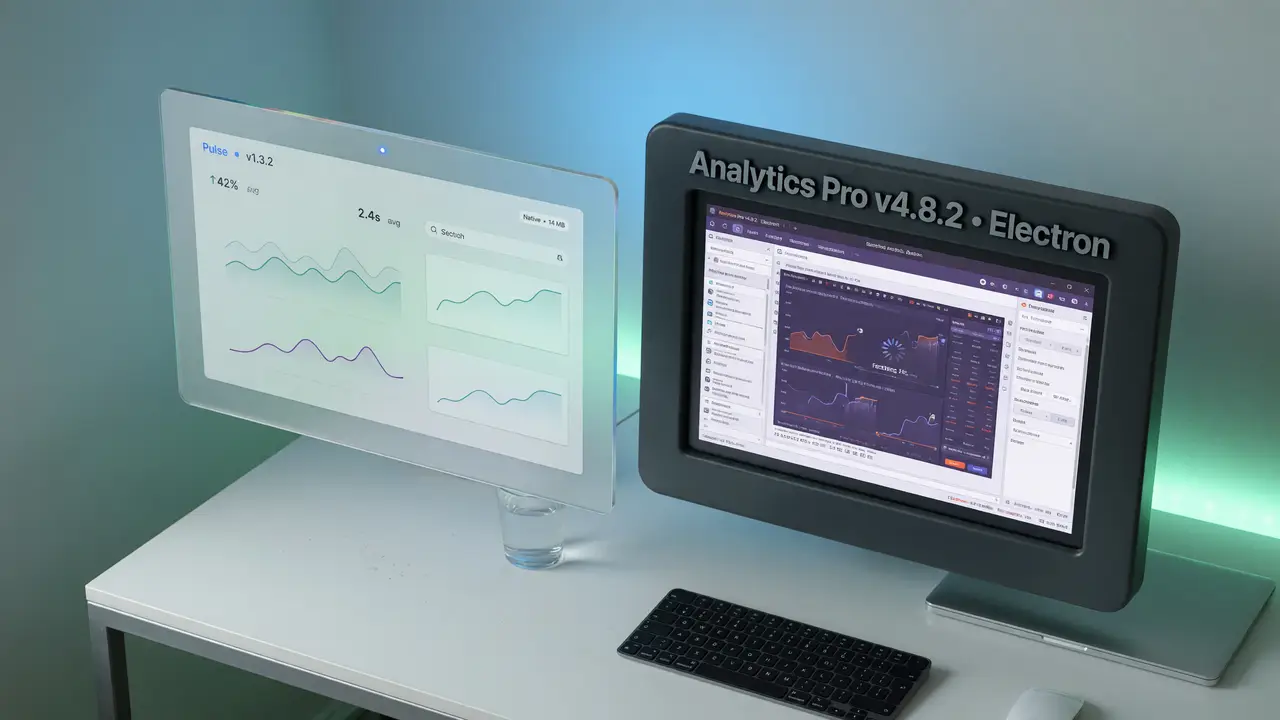
Tauri vs Electron: Why Tauri Is the Future of Lightweight Desktop Apps
Tauri vs Electron: how Tauri delivers dramatically smaller binaries, lower RAM use, and better security with native WebViews and Rust. Real benchmarks and migration results included.
Electron gave web developers an easy path to desktop apps, but the downsides appeared fast in oversized installers. Most Electron apps shipped a complete Chromium build plus Node.js, pushing even basic tools past 80 MB. Tauri takes another route: it uses the system’s built-in WebView and a Rust backend, cutting the bloat.
The Binary Size Gap
Electron packages everything inside the installer. Tauri skips that by using the platform WebView already present on the machine and compiling its backend to native code.
Real projects illustrate the contrast:
| Application | Tauri Size | Electron Size | Reduction |
|---|---|---|---|
| Authme 2FA | 2.5 MB | ~85 MB | ~97% |
| Hoppscotch | 8.6 MiB | 244 MiB | ~96% |
| Terminal-style app | 4.7 MB | 118 MB | ~96% |
| Typical minimal | 3–10 MB | 80–150 MB | 85–95% |
Those figures come from tests run across 2024–2026. The smaller footprint translates directly into quicker downloads and simpler updates.
Memory and CPU Efficiency
Runtime behavior follows the same pattern. Basic Tauri apps typically use 20–100 MB of RAM, while similar Electron apps land between 120–300 MB.
- Idle single window: Tauri stays around 30–80 MB; Electron sits at 150–250 MB.
- Six-window load: Tauri reached 172 MB; Electron reached 409 MB.
- Idle CPU: Tauri usually stays under 1 %; Electron ranges from 1–5 %.
Laptop users and lower-powered devices notice the difference most. macOS WebKit closes the gap somewhat, yet the 2025–2026 numbers still favor Tauri on Windows and Linux.
Security Model and Architecture
Tauri enforces permissions through a capability system written in Rust, so every access must be declared explicitly. No full Node.js runtime runs with broad rights by default. Rust’s ownership model also eliminates several memory-safety issues common in Electron projects.
flowchart TD
    Web[Web Frontend HTML/CSS/JS] --> WebView[OS WebView]
    WebView --> RustCore[Tauri Rust Core]
    RustCore --> Capabilities[Capability Checks]
    Capabilities --> OS[OS APIs / File / Network]
    RustCore --> IPC[Secure IPC Channel]
Teams that migrated often mention the reduced attack surface and the predictable performance of the Rust layer as primary motivations.
Documented Production Migrations
Several teams have published their results after switching.
- Hoppscotch reduced its bundle from 165 MB to 8 MB and cut memory use by roughly 70 %.
- One productivity app moved from 120 MB to 8 MB while improving cold-start time by 70 %.
- CodeQuill shrank from over 200 MB to under 20 MB, with idle RAM dropping from about 200 MB to below 50 MB.
Across these cases the pattern holds: 70–96 % smaller bundles and 50–90 % lower RAM usage. Projects such as Spacedrive and Sourcegraph’s Cody client started with Tauri for the same reasons.
Tauri 2.0 and Current Momentum
Tauri reached 1.0 in June 2022 and delivered 2.0 in October 2024. The later release brought stable iOS and Android support without shifting focus away from desktop. The repository sits near 108 k GitHub stars and continues to receive steady contributions through 2025–2026.
Electron still holds more total stars (122 k) and has the longer history since 2013, yet Tauri’s growth rate and the migration reports show rising interest among developers who prioritize size and efficiency.
Practical Takeaways
If your target users care about fast downloads and modest resource use, Tauri currently delivers measurable gains. Developer tools, utilities, and internal applications have benefited most.
You will still need to factor in the Rust learning curve and platform-specific WebView behavior. For many new projects or Electron migrations, the documented reductions in size and runtime make the change worthwhile.
To start a new project the typical command is:
npm create tauri-app@latest my-app
cd my-app
npm run tauri dev
Configuration lives in tauri.conf.json, where you declare permissions and window settings explicitly.